REF: LE5 Alcohol Tester User Manual V16.docx Page 50 © Alcolizer Technology
Uncontrolled when printed
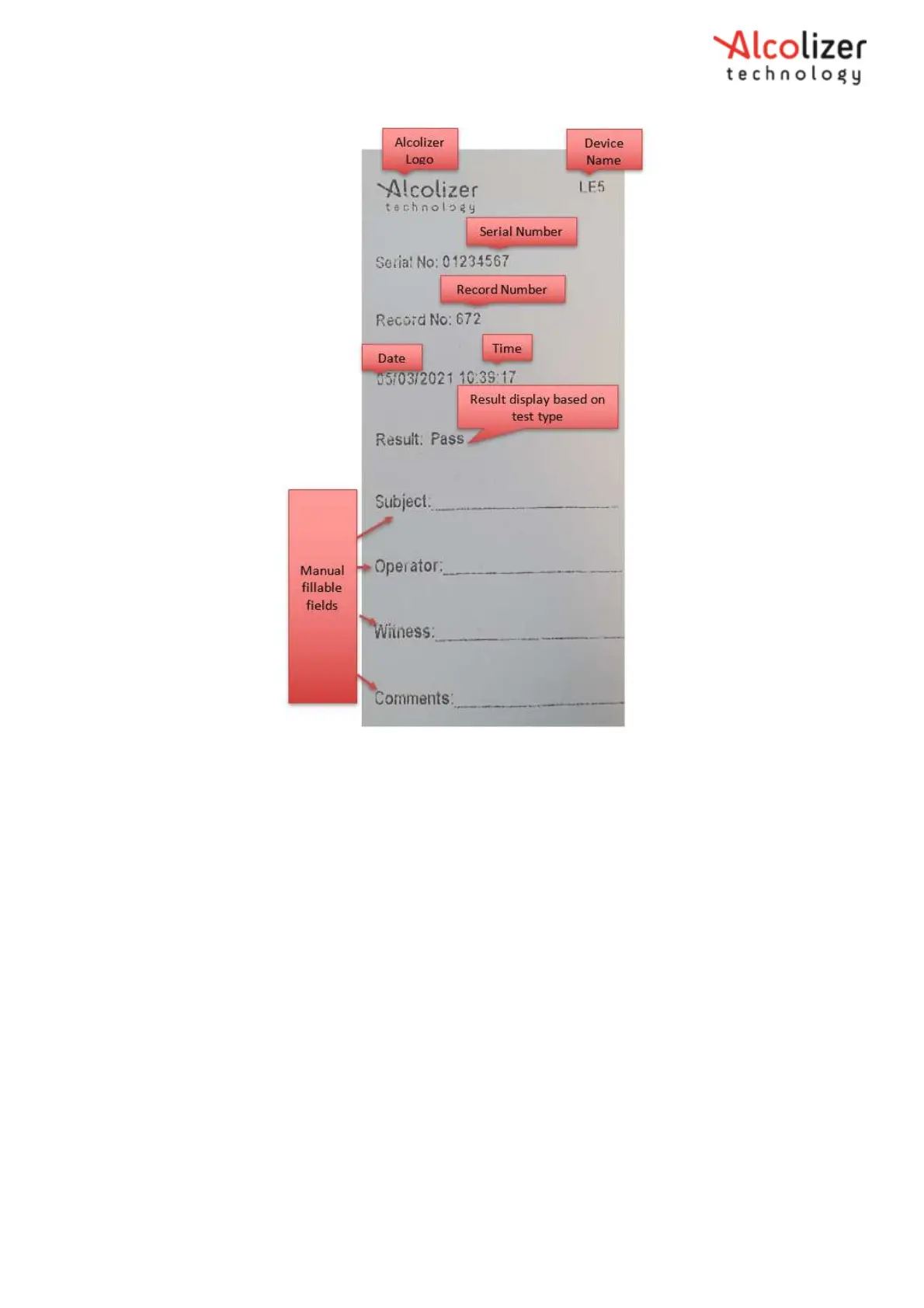
Figure 88 - Print Ticket- Format 0
Other ticket formats on the Alcolizer LE5 apply to export markets. Contact Alcolizer Technology if you require further
details.
8.7 Printing Records
8.7.1 Automatic Printing
Once the LE5 and printer are paired, turned on and within Bluetooth range, the printer will
automatically print a record of the breath sample if required settings have been selected.
8.7.2 Printing Records
To print the last breath test, perform the following procedures:
With the screen displaying press to test, press the up and down
buttons simultaneously. The User Menu will be displayed.
Press the down button and scroll to Print Last (Refer Figure 89).



 To Next Page