REF: LE5 Alcohol Tester User Manual V16.docx Page 21 © Alcolizer Technology
Uncontrolled when printed
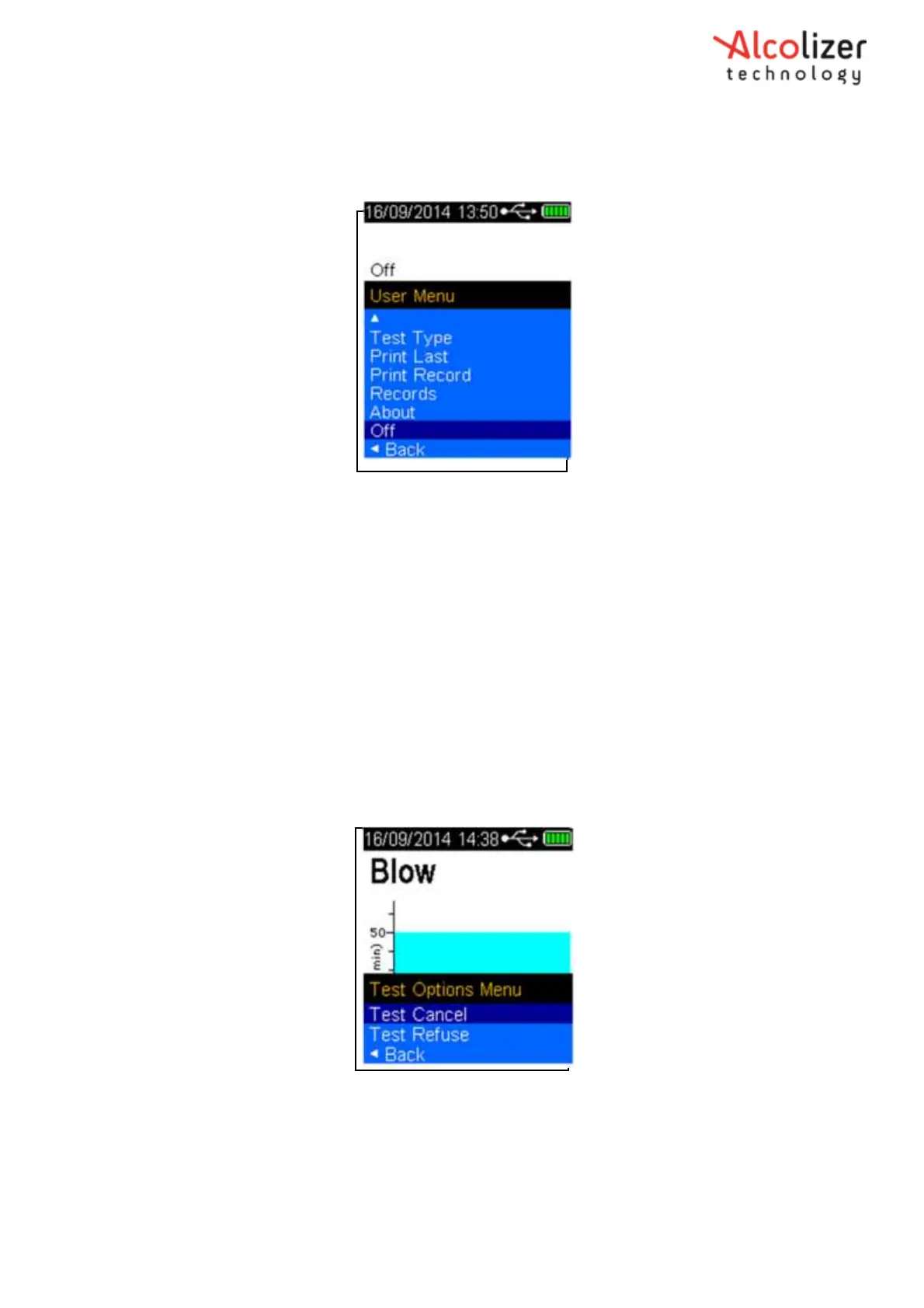
With the screen displaying press to test, press the up and down
buttons simultaneously. The User Menu will be displayed.
Using the down button, scroll down to off (Refer
Figure 23
).
Figure 23- Off Displayed
Press the Test Key, the instrument will turn off.
To further conserve the battery life, the instrument will automatically switch off the display back
light after two minutes. To re-activate the instrument following back light power down, press the
test key or up/down buttons. The instrument will display the last screen that was activated at the
time the time the back light switched off.
4 Test Options Menu
4.1
Test Cancel
If the user wishes to cancel a test, perform the following steps:
With the Blow screen displayed, Press the Up and Down buttons simultaneously. The
Test Options Menu and Test Cancel is displayed (Refer
Figure 24
).
Figure 24- Test Options Menu and Test Cancel
Press the Test key. The screen will return to the press to test display.
4.2
Test Refusal
If a test is refused, the user can activate the Test Refuse option as follows:
With the Blow screen displayed, press the Up and Down buttons simultaneously. The



 To Next Page