REF: LE5 Alcohol Tester User Manual V16.docx Page 31 © Alcolizer Technology
Uncontrolled when printed
6 User Menu Setup
The User Menu Setup allows you to select which LE5 features are shown on the User Menu Use the
Test Key to toggle between Yes and No to enable or disable features in the User Menu.
6.1
Enable GPS
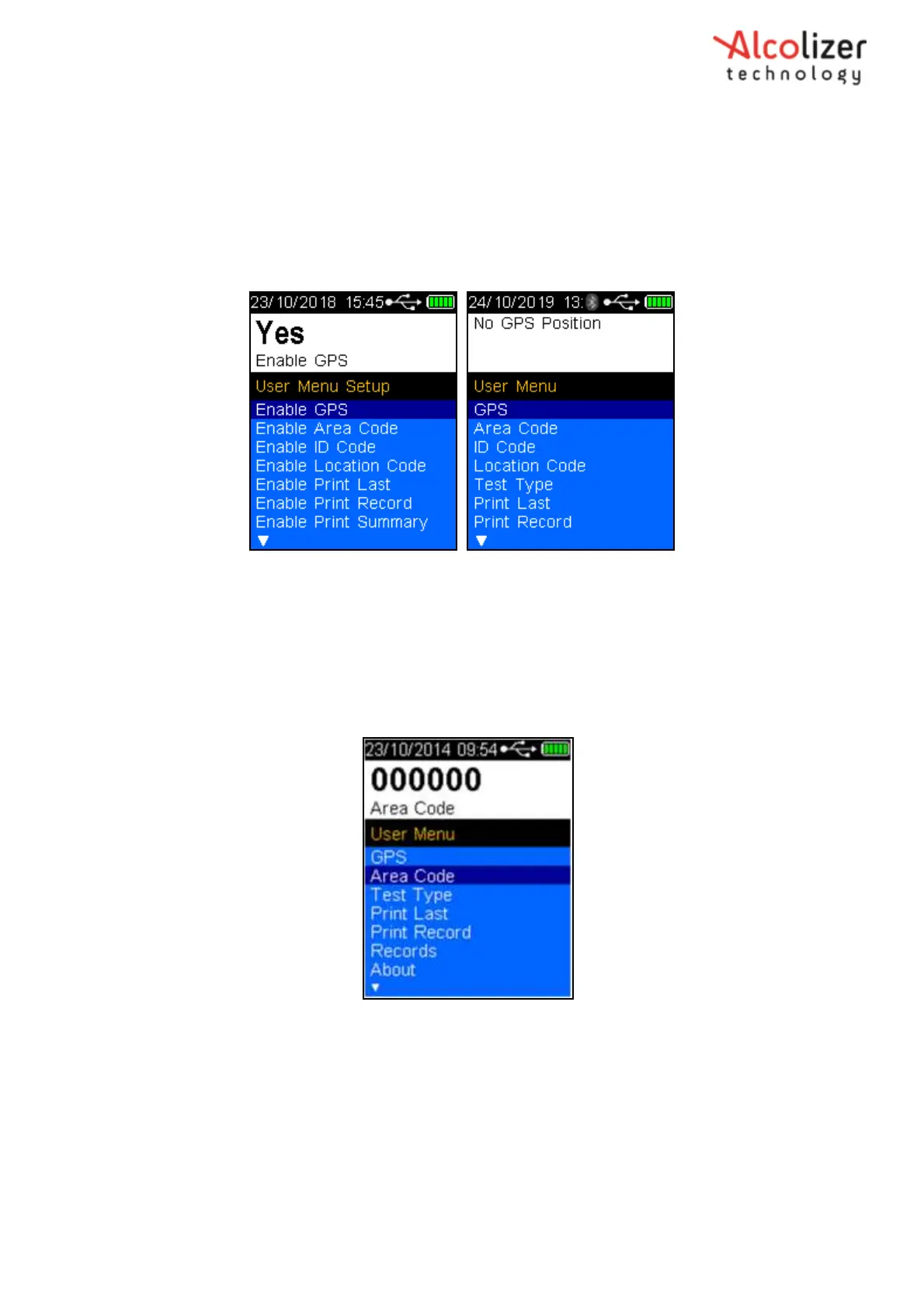
Enable GPS allows for the GPS function to be shown in the User Menu. Please refer to Section 9 for
instructions on the GPS function operations.
Figure 47 – GPS
6.2
Enable Area Code
Area code is used to identify the location of a breath test by local Area Code.
Press the down button and scroll to Area Code (Refer Figure 48).
Figure 48 - Area Code Displayed
Press the test key, the cursor will move below the first digit
Use the up/down buttons to advance the digit to the required number
When the correct number is displayed, press the test key. The number will be
set, and the cursor will move the next digit.
Repeat the above step until all the number required are displayed (Refer Figure 49).



 To Next Page