REF: LE5 Alcohol Tester User Manual V16.docx Page 26 © Alcolizer Technology
Uncontrolled when printed
time)
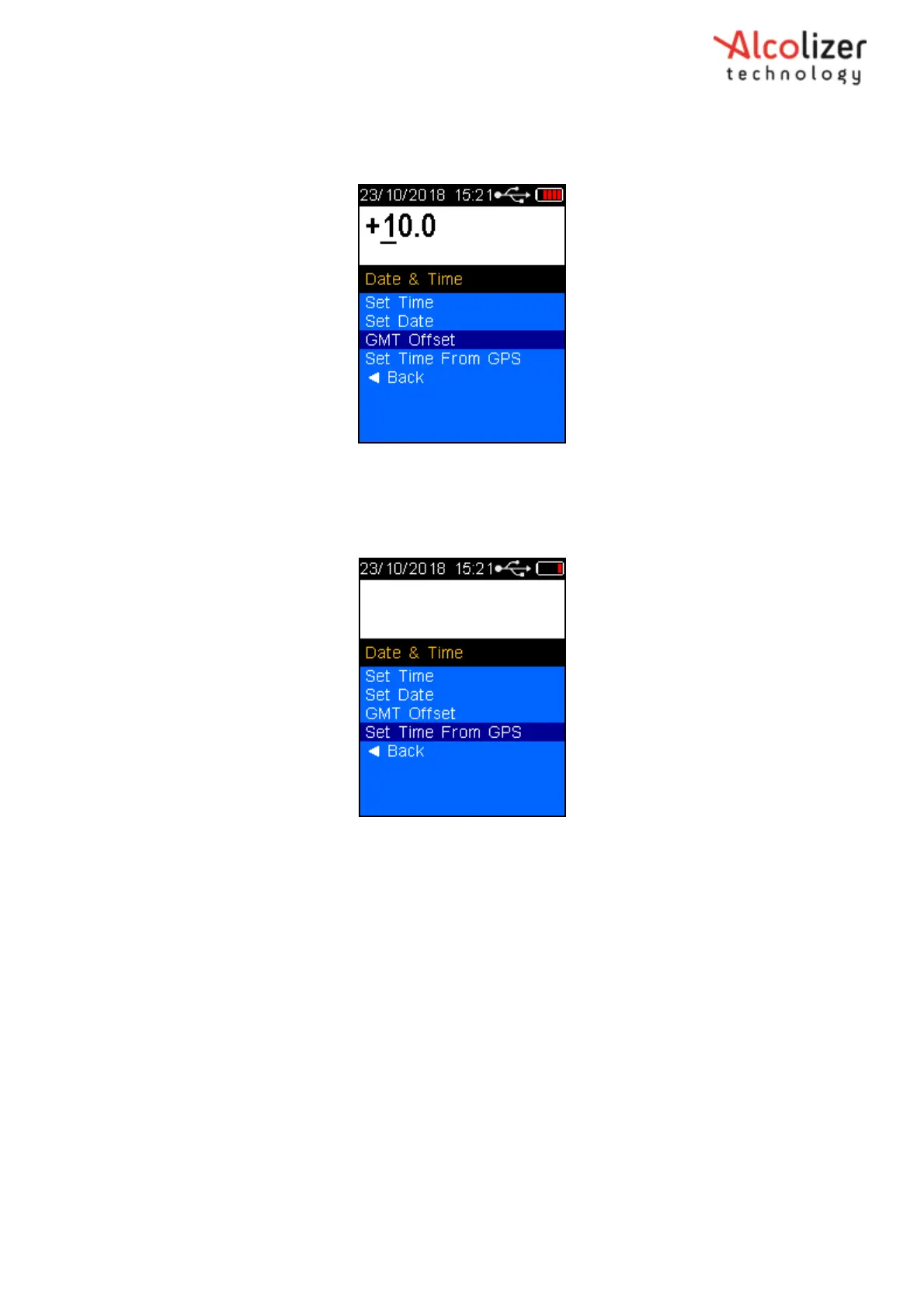
Use the up and down buttons to highlight GMT Offset and select by pressing Test Key. Use
the up and down keys to adjust the hours and press the test key to select.
Figure 35 – GMT Offset
Set Time from GPS allows the time on the LE5 to be set from the GPS satellite connection.
Use the up and down arrows to select and press the Test Key to select, then select Yes or No
by pressing the Test Key.
Figure 36 – GMT Offset
Use the up and down buttons to highlight back and press the test key to select, this will return to
the Date & Time menu.
5.2
Test Prompts
Test Prompts allows the setup of specific test or donor questions and selection of pre- defined
criteria. Select Test Prompts from the Setup Menu. Use the Test Key to toggle between Yes and
No to enable or disable each of the Test Prompts.



 To Next Page