REF: LE5 Alcohol Tester User Manual V16.docx Page 25 © Alcolizer Technology
Uncontrolled when printed
Use the up and down buttons to highlight back and press the test key to select, this will
return to the Date & Time menu.
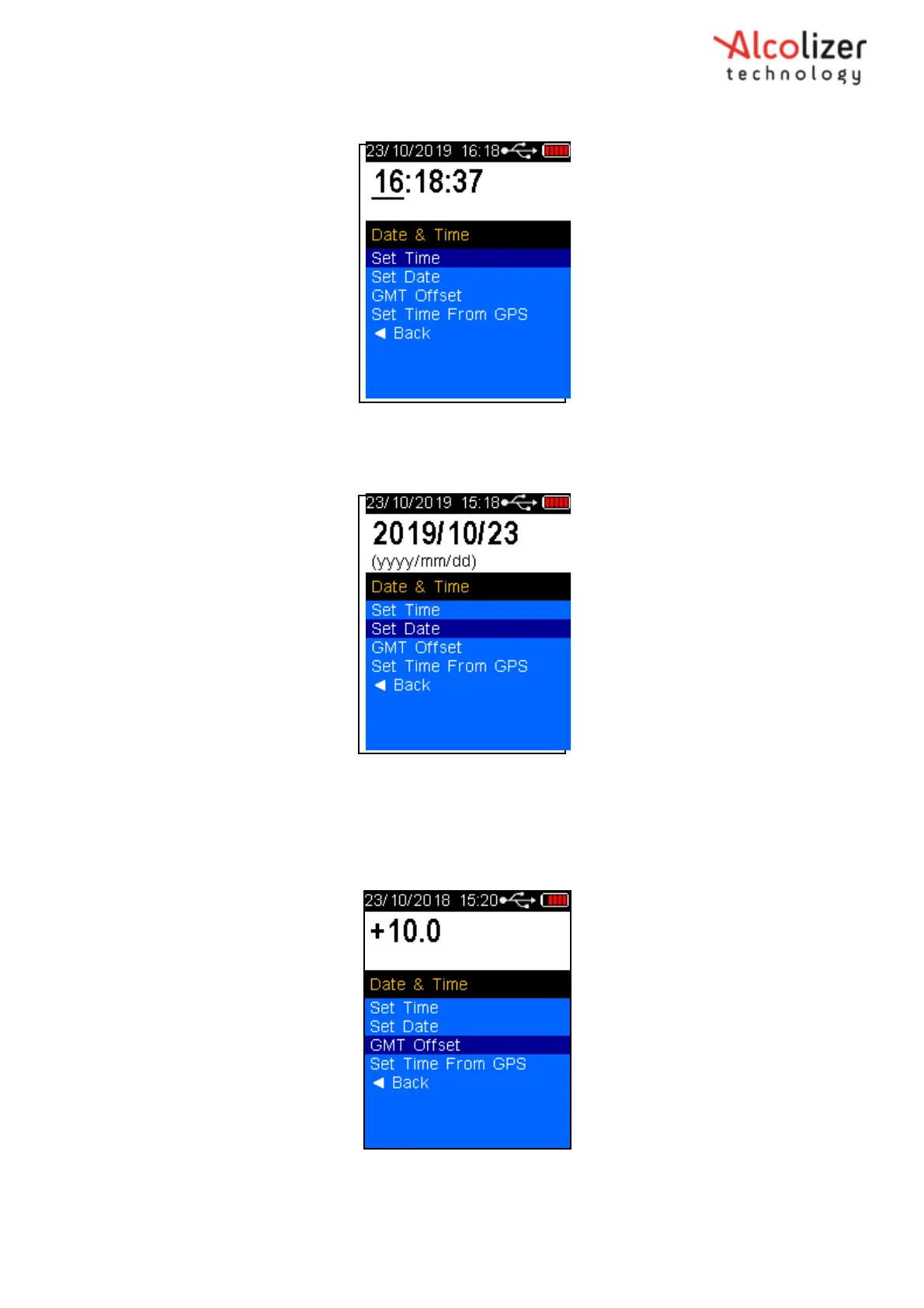
Figure 32 – Set Time
In the Date & Time menu use the Up and Down buttons to highlight Set Date and press the Test Key
to access.
Figure 33 – Set Date
The year setting will be highlighted, use the up and down arrow keys to adjust the year to your
requirements, press the Test Key to accept and move to the month adjustment. Use the up and
down buttons to adjust to your requirements, press the Test Key to accept.
Repeat for the day then press the Test Key to accept.
Figure 34 - Set GMT Offset
GMT Offset is the number of hours a time zone is ahead or behind GMT (Greenwich Mean



 To Next Page