REF: LE5 Alcohol Tester User Manual V16.docx Page 12 © Alcolizer Technology
Uncontrolled when printed
A new mouthpiece must be used for each mouthpiece test.
Figure 6- Mouthpiece Correctly Positioned
3.5.2
Taking a Mouthpiece Breath Sample
Perform a Mouthpiece Test as follows:
Press the Test key, the instrument will perform a background self-test while Please
wait….is displayed on the screen.
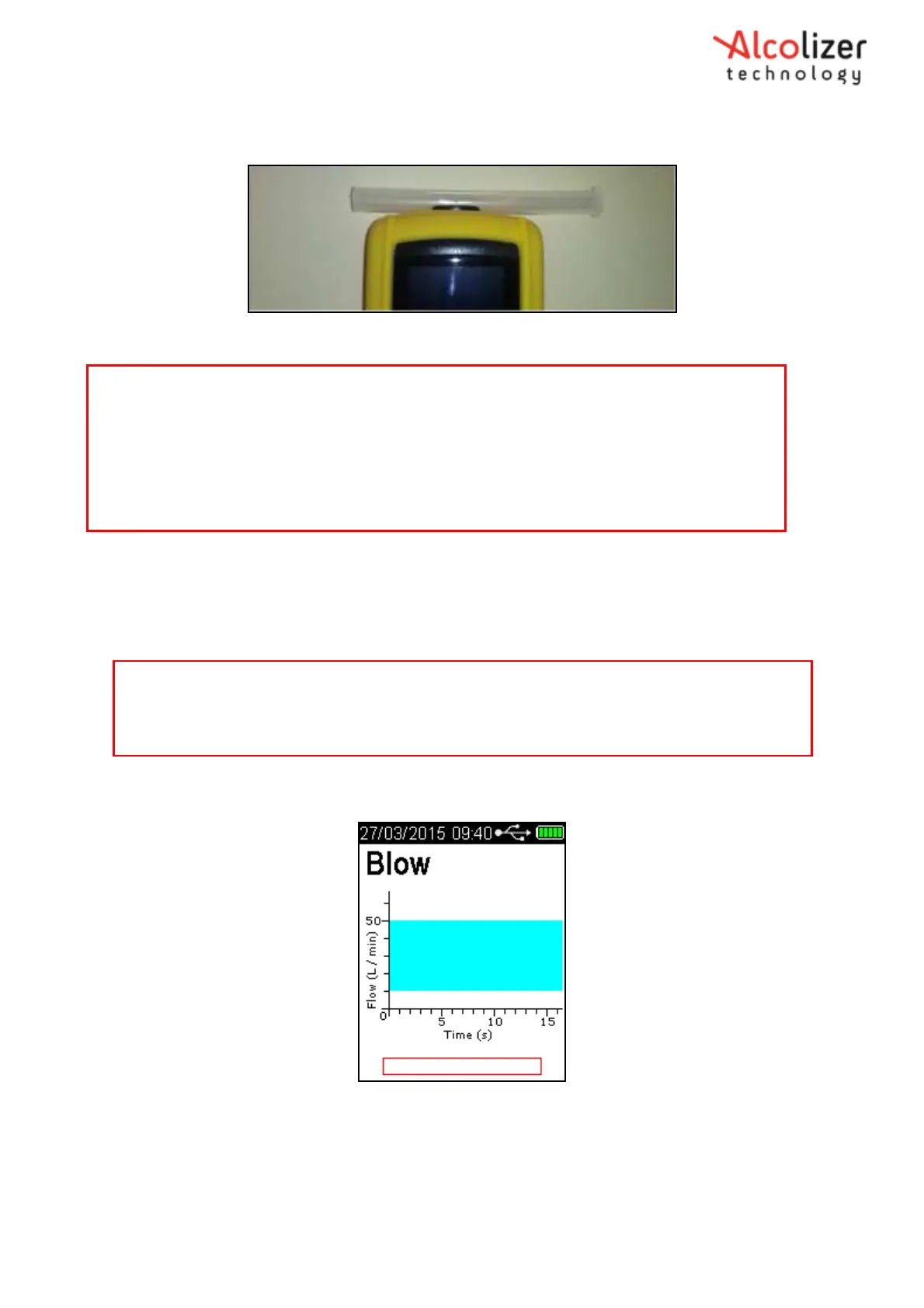
BLOW will be displayed when the instrument is ready (Refer Figure 7).
Figure 7- Blow is displayed when the instrument is ready
After taking a deep breath, the test subject places their mouth over the mouthpiece
inlet (ribbed end) and blows a gentle to medium breath sample into the mouthpiece
(Refer Figure 8).
Note
Before taking a breath sample, ensure the subject has not consumed alcohol for at least 15
minutes.
If any step in a breath test sequence is not completed or the instrument is left idle for longer
than 60 seconds, the instrument will terminate the breath test and display test timed out.
The instrument will return to the press to test display.
If a test time out does occur during a breath test, a new breath test must be performed.
Note
If the self-check is unsuccessful an error code will be displayed, the instrument will not accept a
breath sample. Contact an Alcolizer representative if an error code is displayed. If error code 81 is
present: follow onscreen prompt to restart the device.



 To Next Page