42 Rockwell Automation Publication 1769-UM011H-EN-P - April 2012
Chapter 3 Connect to the Controller via the Serial Port
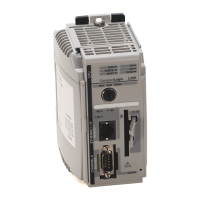
To connect a serial cable, perform this procedure.
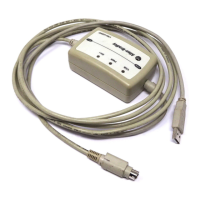
1. Obtain a 1747-CP3 or 1756-CP3 serial cable.
2. Connect the cable to your controller and workstation.
If you make your own serial cable, complete this procedure.
• Limit the length to 15.2 m (50 ft).
• Wire the connectors.
Workstation Controller
1 CD
2 RDX
3 TXD
4 DTR
COMMON
6 DSR
7 RTS
8 CTS
9
1 CD
2 RDX
3 TXD
4 DTR
COMMON
6 DSR
7 RTS
8 CTS
9


 To Next Page
 Loading...