94 Rockwell Automation Publication 1769-UM011H-EN-P - April 2012
Chapter 6 Place, Configure, and Monitor I/O
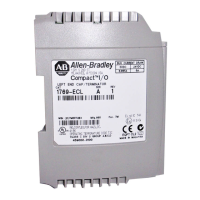
End-cap Detection and Module Faults
If a module not adjacent to an end cap experiences a fault and the connection to
the controller is not broken, only the module enters the fault state. If a module
adjacent to an end cap experiences a fault, both the module and the controller
transition to the fault state.
Reconfigure an I/O Module
If an I/O module supports reconfiguration, you can reconfigure the module via:
• the Module Properties dialog box in RSLogix 5000 programming
software.
• a MSG instruction in program logic.
Reconfigure a Module via RSLogix 5000 Programming Software
To reconfigure an I/O module via RSLogix 5000 programming software,
perform this procedure.
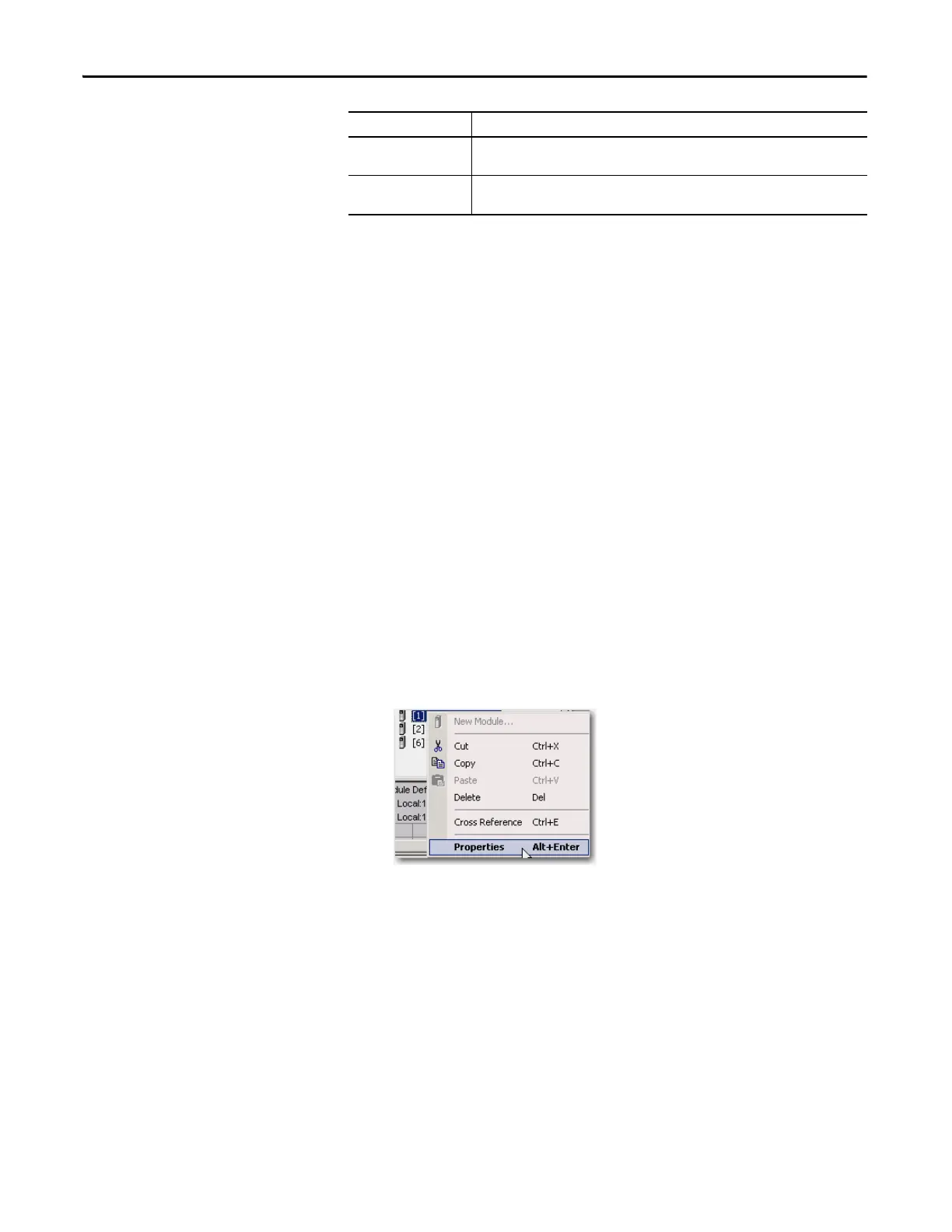
1. Highlight the module in the I/O Configuration tree and right-click to
choose Properties.
Bit Description
Fault_Bit This bit indicates that at least one bit in the fault word is set (1). If all the bits in the fault
word are cleared (0), this bit is cleared (0).
Connection_Closed This bit indicates whether the connection to the module is open (0) or closed (1). If the
connection is closed (1), the Fault_Bit is set (1).


 To Next Page
 Loading...