-4
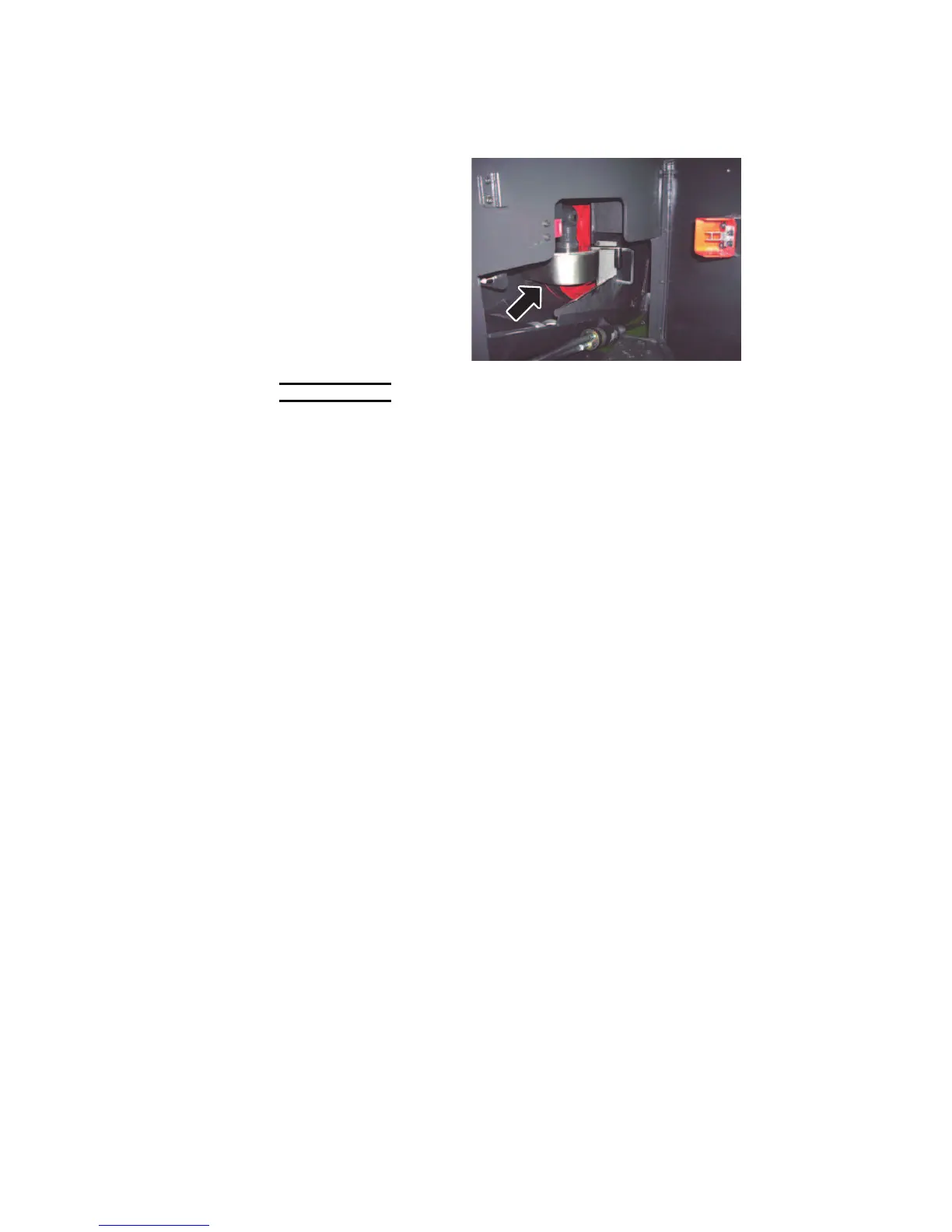
WIRE BRUSH
Che
ck that the wire brush
properly touches the
gullets of the saw blade.
If the wire brush is worn or
the error message E019 is
shown on the touch
screen, change it. When
the wing nut securing the
wire brush is turned
clockwise and loosened,
the wire brush can be
removed.
NOTICE
O When loosening the wing nut securing the wire brush, be sure to turn it
clockwise.
O When tightening the wing nut securing the wire brush, be sure to turn it
counterclockwise.
O Turning the wing nut in the wrong direction may result in wire brush
breakage.



 To Next Page