EasyManua.ls Logo

Amada vm2500 - Registering Saw Blade

Default Icon
140 pages
Print Icon
To Next Page IconTo Next Page
To Previous Page IconTo Previous Page
Loading...
IV-8
21 T
urn the MODE
keyswitch to “
to unlock the table.
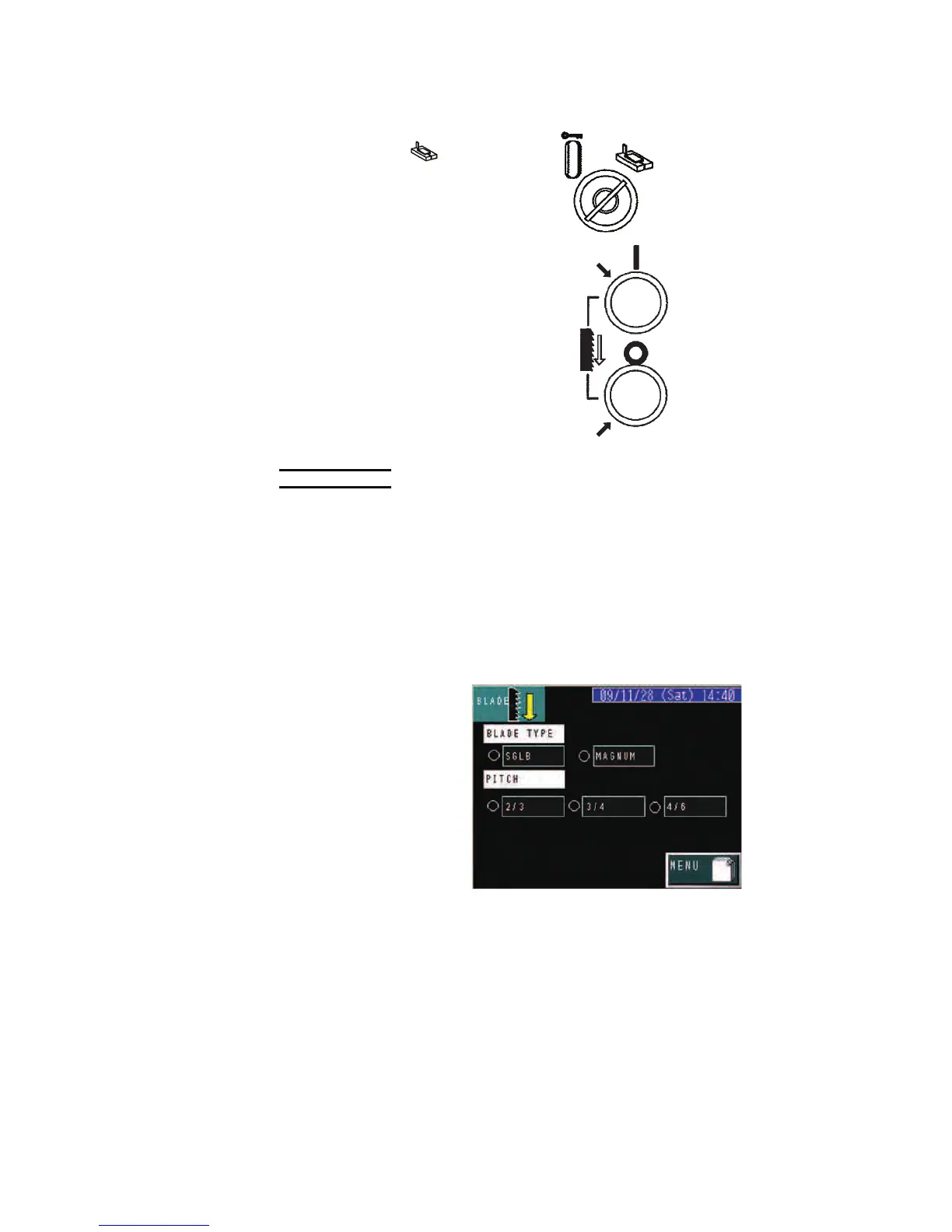
22 Press the BLADE
START button to start
the saw blade.
Check that the saw
blade runs smoothly.
23 Press the BLADE
STOP button to stop
the saw blade.
STEP 22
STEP 23
NOTICE
O When using a new saw blade, be sure to break it in as described in “Breaking
in new saw blade” later in this Part.
Registering saw blade
Set the saw blade type and the pitch of the saw blade as described
below.
1 Press the BLADE
button on the MENU
display to go to the
BLADE display.
2 Select the saw blade
type and the tooth
pitch of the saw
blade.
The lights at the left of
the selected saw
blade type and tooth
pitch illuminate.

Table of Contents

Related product manuals