IV-11
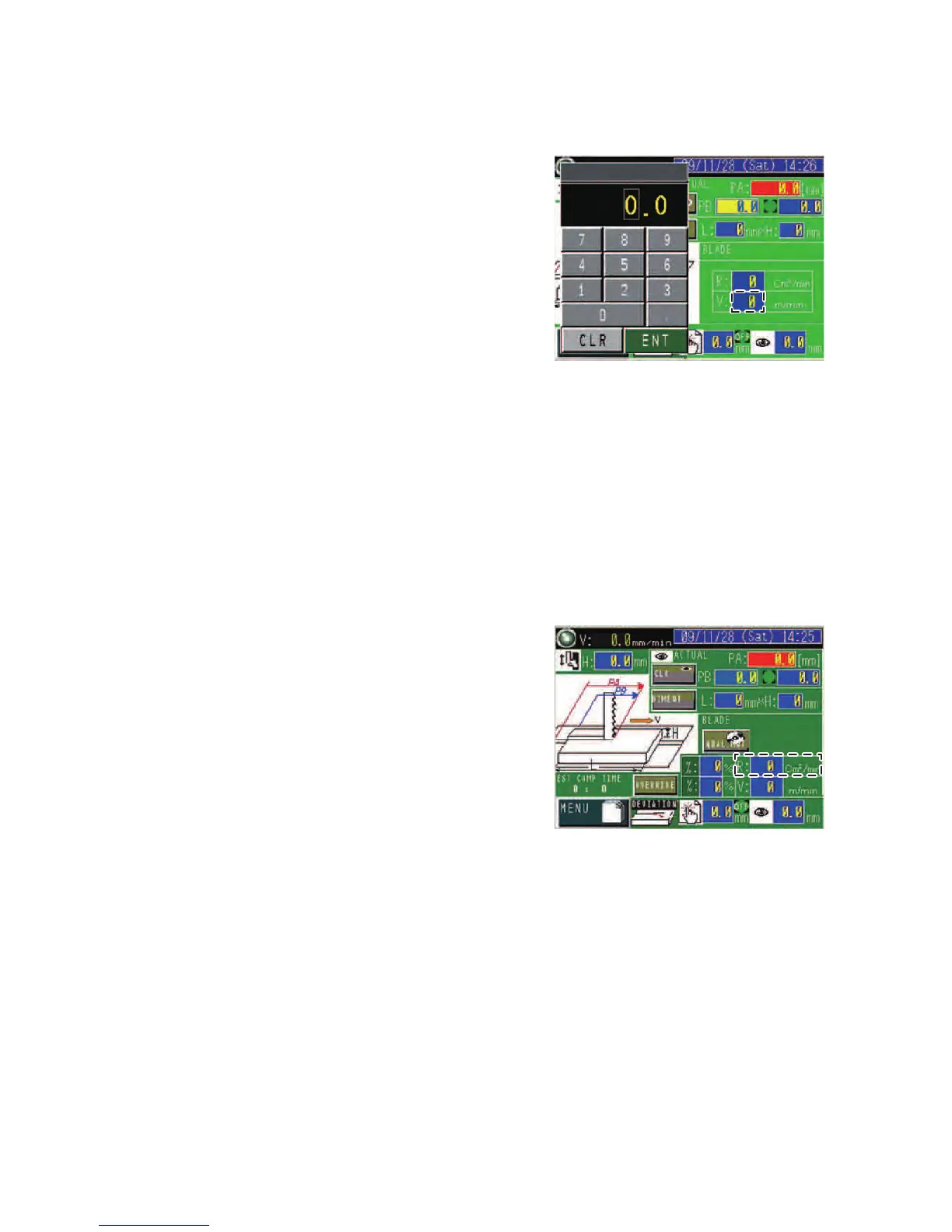
MANUAL INPUT display
1
Press the V field to
open the numeric
keypad.
2 Enter the desired
value with the 0 to 9
and • keys to set the
saw blade running
speed (m/min or
ft/min).
3 Press the ENT key.
Setting cutting rate
CNC INPUT display
On the CNC INPUT
display, the proper cutting
rate (cm
2
/min or in
2
/min) is
automatically set and
shown in the R field when
the work length (L) and
height (H) are entered in
the L and H fields and the
standard and material type
of the work to be cut are
selected.
MANUAL INPUT display
Set the cutting rate to suit the material type and size of work to be cut
as described below.



 To Next Page