III-14
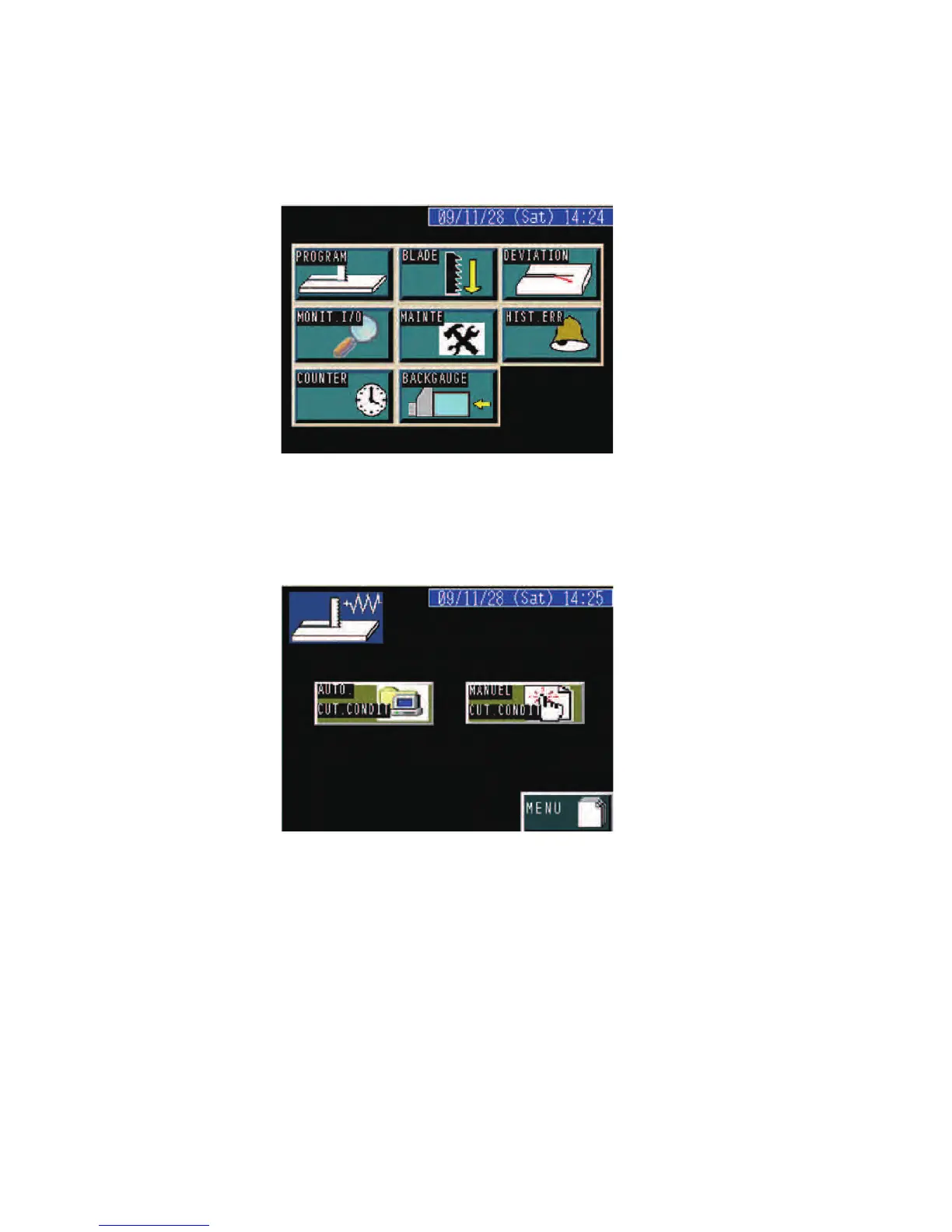
PROGRAM display
P
ress the PROGRAM button on the MENU display to go to the
PROGRAM display.
When automatically setting the cutting conditions, press the AUTO CUT
CONDIT button to open the CNC INPUT display.
When manually setting the cutting conditions, press the MANUAL CUT
CONDIT button to open the MANUAL INPUT display.



 To Next Page