III-16
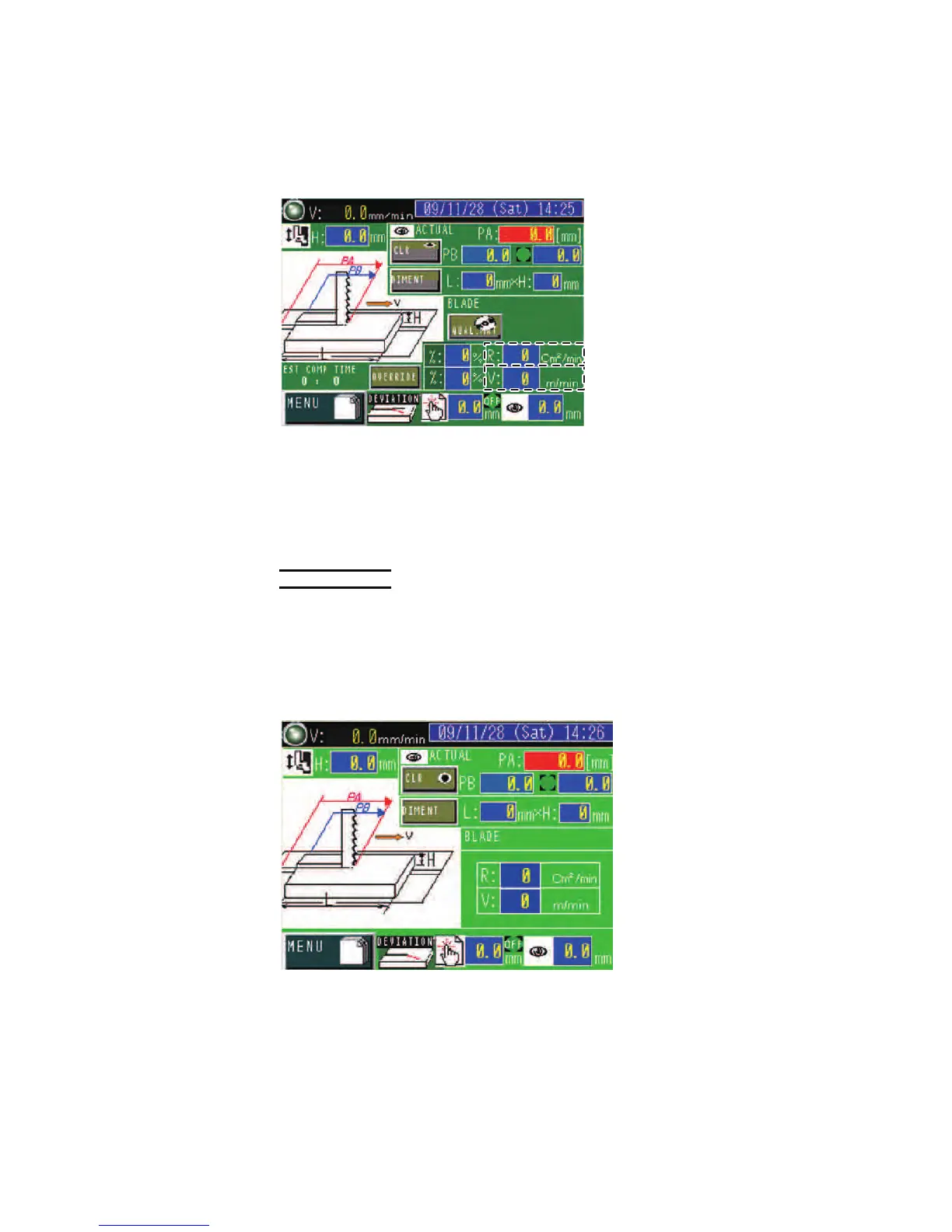
When the work length (L) and height (H) and the work
material type are
set, the cutting rate (cm
2
/min or in
2
/min) and the saw blade running
speed (m/min or ft/min) are automatically set and shown in the R and V
fields respectively.
MANUAL INPUT display
Press the MANUAL CUT CONDIT button on the PROGRAM display to
go to the MANUAL INPUT display.
NOTE
O The input method of the MANUAL INPUT display can be selected between
the cutting rate “cm
2
/min” input and the table feed speed “mm/min” input by
setting parameter No. 2 "TABLE FEED" on the MAINTENANCE display.
MANUAL INPUT display (1) (cutting rate “cm
2
/
min” input)
Enter the desired cutting rate and saw blade running speed.
SGLB 2/3P
DIMENT button: Pressed to go to the DIMENT display to enter the
work length (L) and height (H).
R field: Enters the desired cutting rate (cm
2
/min or in
2
/min).
V field: Enters the desired saw blade running speed (m/min or ft/min).



 To Next Page