III-17
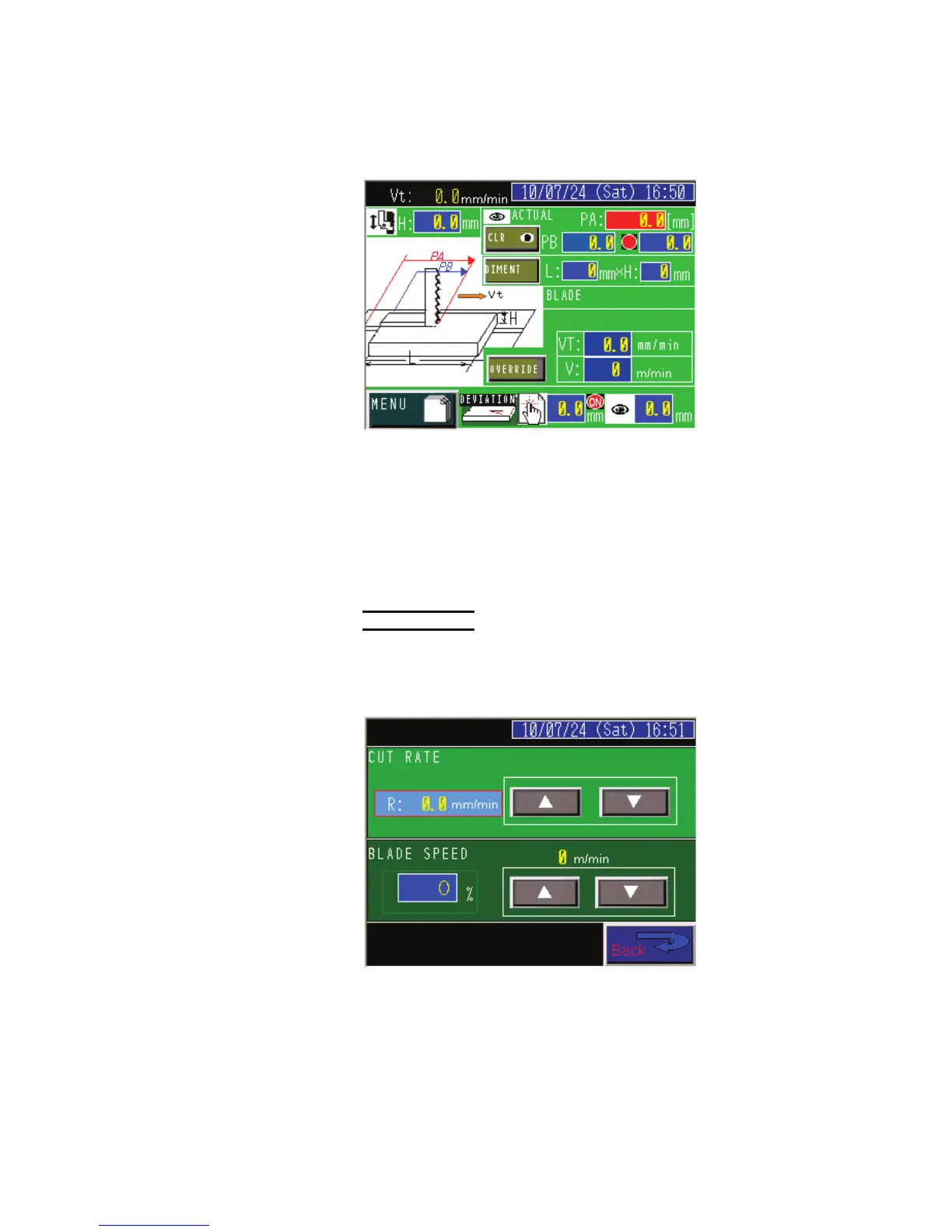
MANUAL INPUT display (2) (table feed speed “mm/min” input)
E
nter the desired table feed speed and saw blade running speed.
DIMENT button: Pressed to go to the DIMENT display to enter the
work length (L) and height (H).
VT field: Enters the desired table feed speed (mm/min or in./min).
V field: Enters the desired saw blade running speed (m/min or ft/min).
OVERRIDE button:
Pressed to open the OVERRIDE display. Used when adjusting the
table feed speed and saw blade running speed after the start of the saw
blade.
NOTE
O Before the start of the saw blade, the table feed speed and the saw blade
running speed can be directly entered in the VT and V fields. To adjust the
table feed speed and saw blade running speed after the start of the saw
blade, press the OVERRIDE button to open the OVERRIDE display, and
press the Ÿ or ź button to adjust them.



 To Next Page