III-13
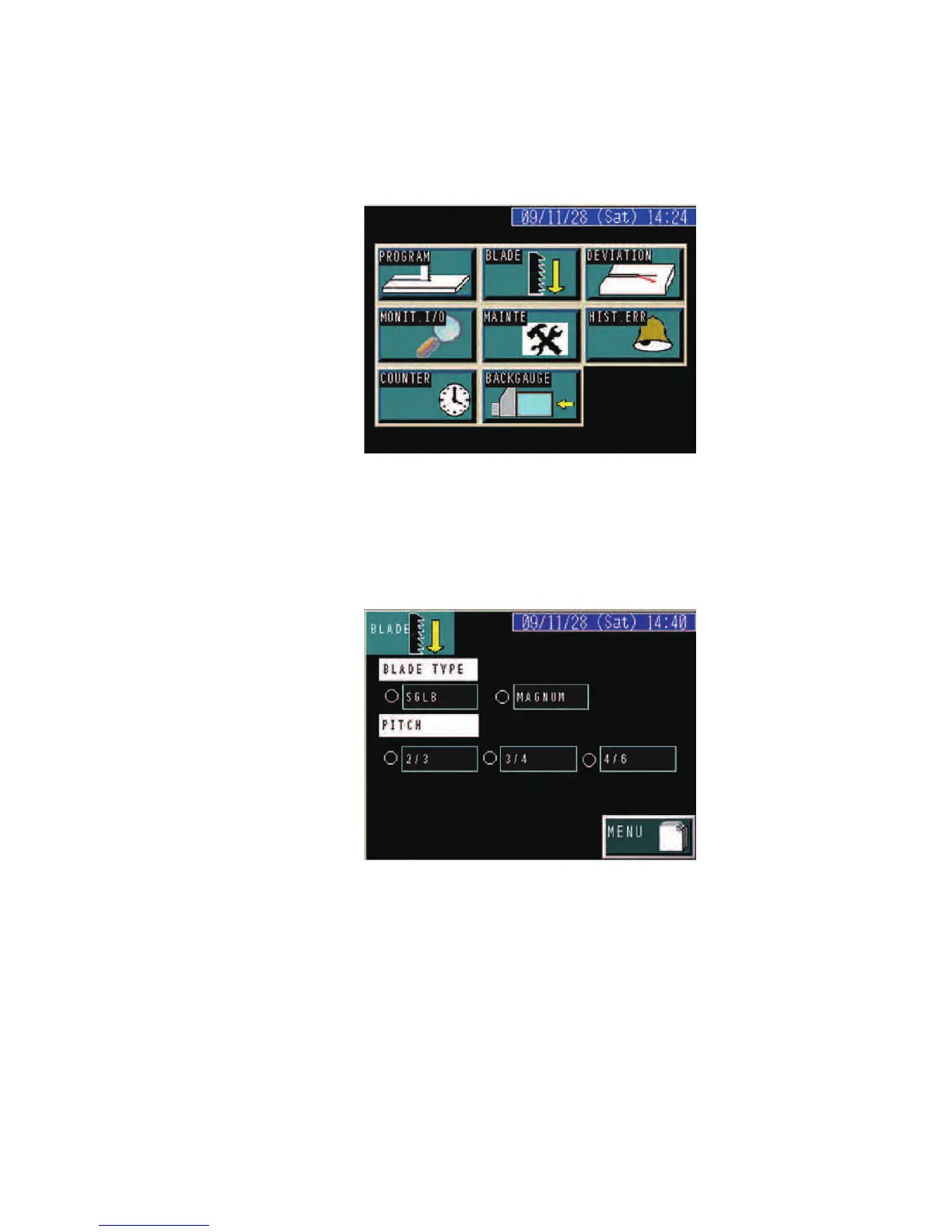
MENU display
A
ppears when the zero-return of the upper saw blade guide, table, and
backgauge (option) has been completed.
BLADE display
Press the BLADE button on the MENU display to go to the BLADE
display.
Select the saw blade type and the tooth pitch of the saw blade.
The lights at the left of the selected saw blade type and tooth pitch
illuminate.



 To Next Page