III-19
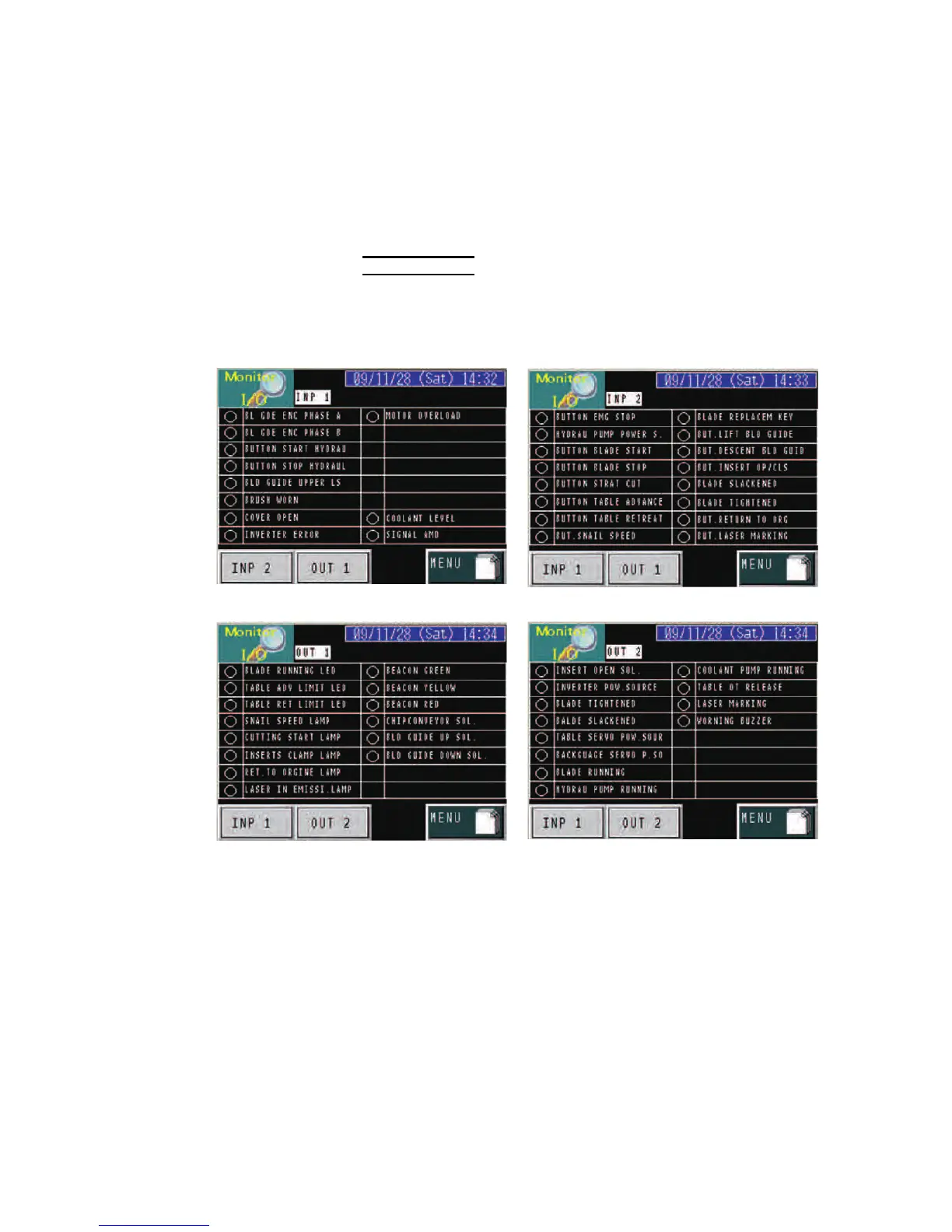
MONITOR I/O display
P
ress the Monitor I/O button on the MENU display to go to the Monitor
I/O display.
The Monitor I/O display is used to monitor the sequencer inputs and
outputs.
NOTE
O The Monitor I/O display is provided for maintenance and requires no data
entry for cutting the work.
INPUT MONITOR 1 INPUT MONITOR 2
OUTPUT MONITOR 1 OUTPUT MONITOR 2



 To Next Page