III-20
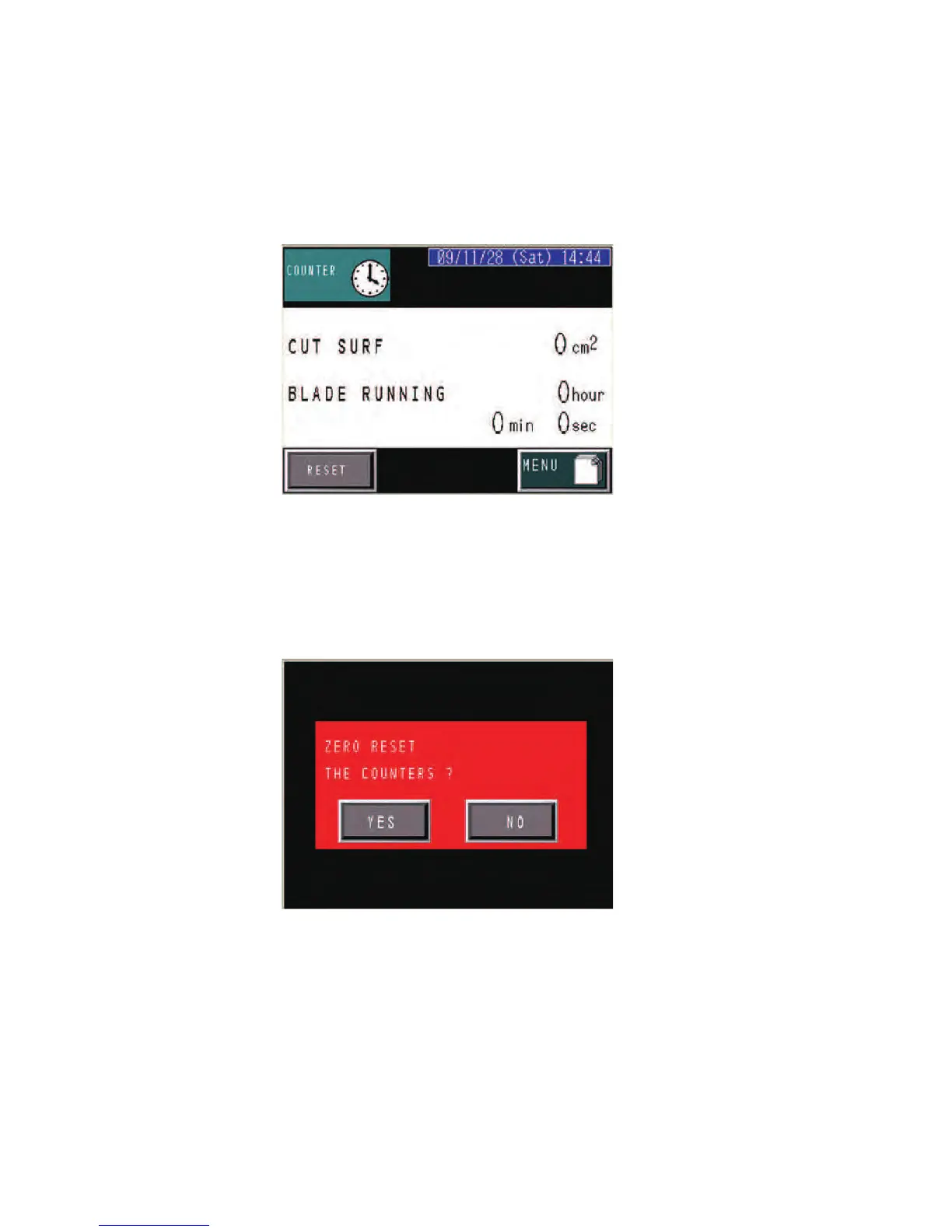
COUNTER display
P
ress the COUNTER button on the MENU display to go to the
COUNTER display.
The COUNTER display shows the total cut area and total running time
of the saw blade up to the current time.
CUT SURF field: Shows the total cut area up to the current time.
BLADE RUNNING field: Shows the total running time of the saw blade
up to the current time.
RESET button: Clears the total cut area in the CUT SURF field and the
total running time of the saw blade in the BLADE RUNNING field.
Press the YES button for confirmation after having pressed the RESET
button.



 To Next Page