IV-3
PREPARING FOR OPERATION
T
urning on power
1 Turn on the shop
circuit breaker switch.
2 Turn the POWER
switch to ON to
illuminate the
POWER ON light and
power on the
machine.
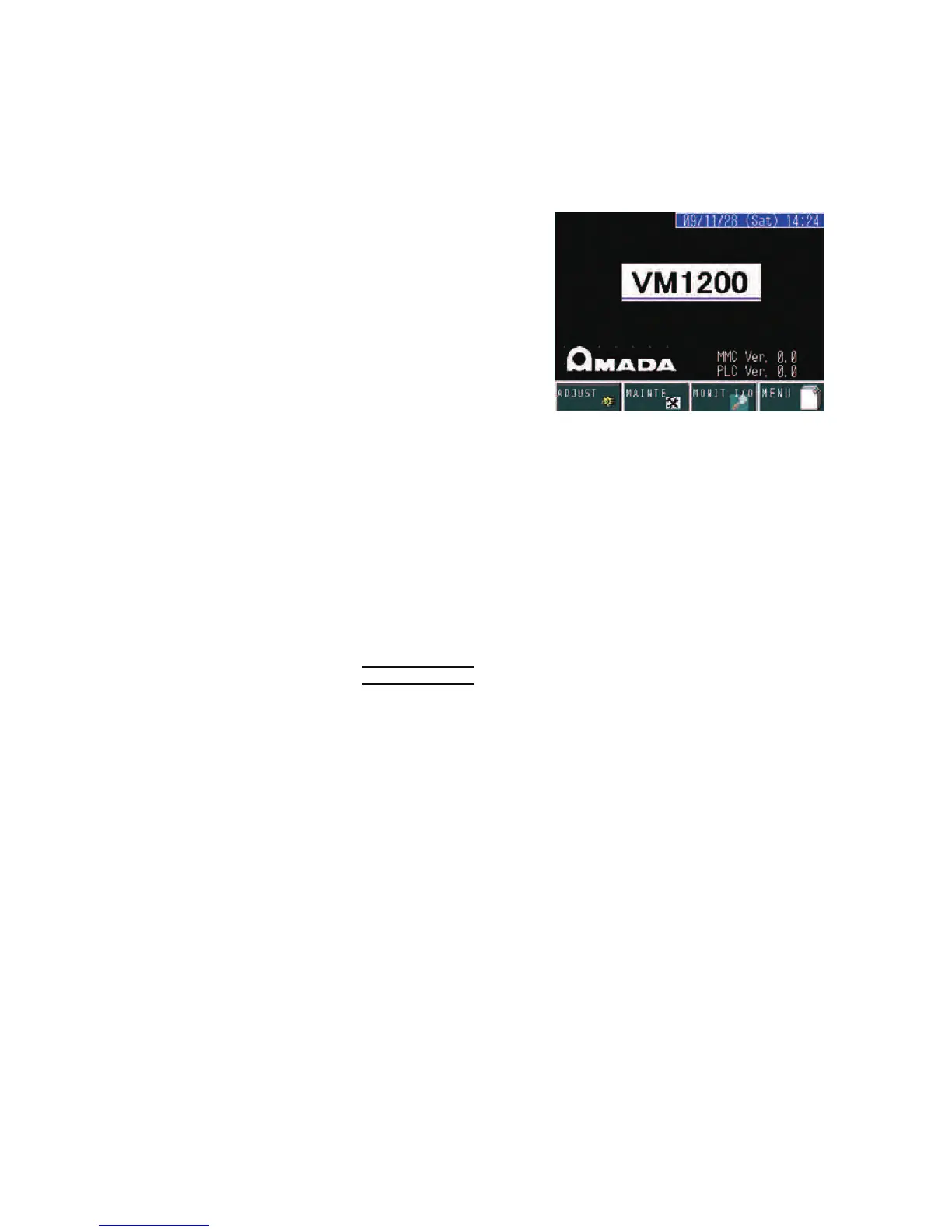
The initial display
appears on the touch
screen of the control
panel.
3 Press and illuminate the HYDRAULIC ON button to start the
hydraulic pump motor.
4 Zero-return the upper saw blade guide as described below.
Zero-returning upper saw blade guide
When the hydraulic pump motor is started for the first time after the
machine is powered on, zero-return the upper saw blade guide as
described below.
NOTICE
O The upper saw blade guide must be zero-returned to store the actual position
of the upper saw blade guide into the memory of the control unit. Be sure to
perform this zero-return. Unless the upper saw blade guide is zero-returned,
the machine cannot be operated.
1 Power on the machine, and start the hydraulic pump motor.
2 Press the ZERO-RETURN button.
The upper saw blade guide rises to the upper end.
The MENU display appears on the touch screen.
Selecting saw blade
Select an appropriate saw blade to suit the material type, shape, and
size of work to be cut.
Dedicated saw blades are available for difficult-to-cut workpieces and
irregular-shaped workpieces. Contact AMADA.



 To Next Page