III-15
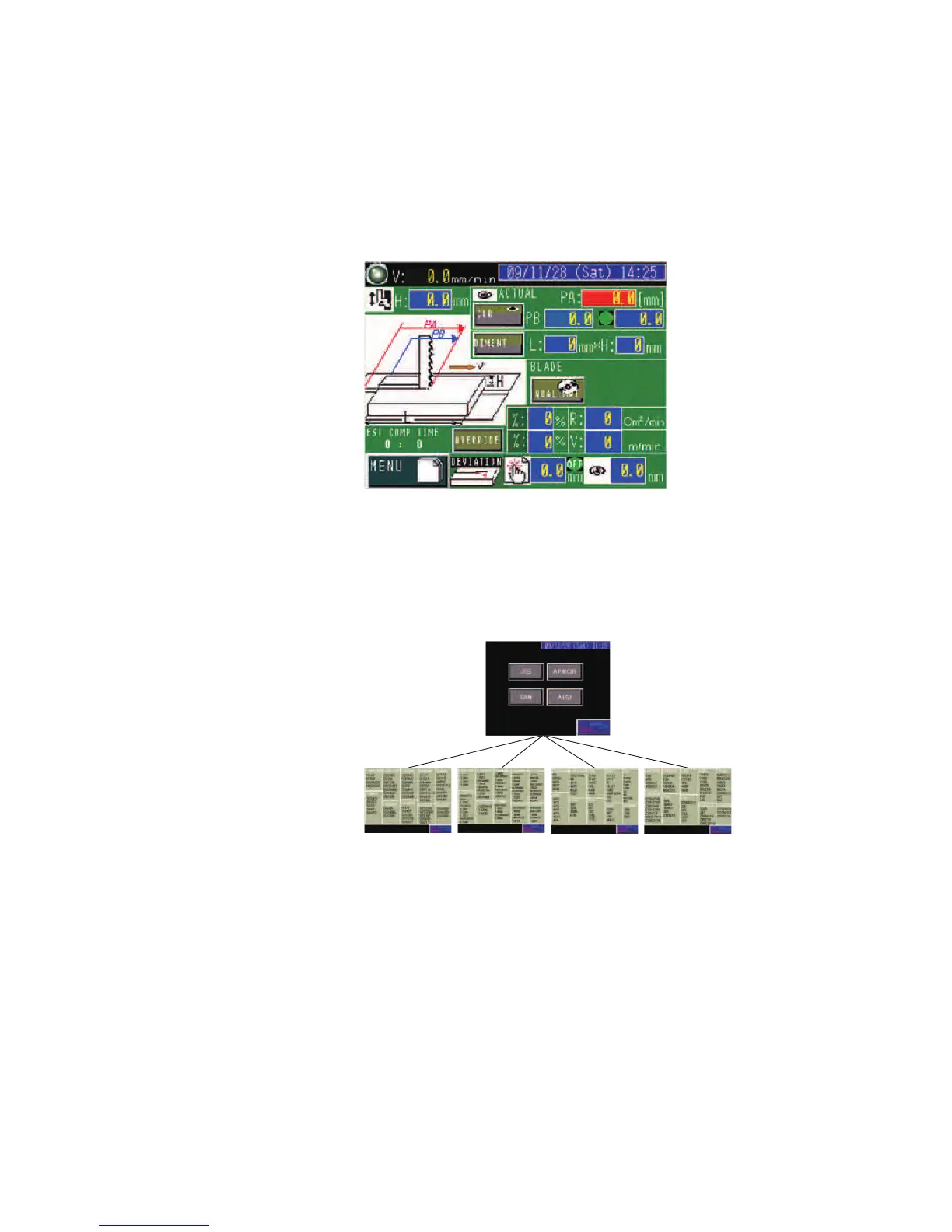
CNC INPUT display
P
ress the AUTO CUT CONDIT button on the PROGRAM display to go
to the CNC INPUT display.
On the CNC INPUT display, the cutting conditions are automatically set
when the material type of the work is selected from the registered
standards and the length and height of the work are entered.
SGLB 2/3P
DIMENT button: Pressed to go to the DIMENT display to enter the
work length (L) and height (H).
QUAL. MAT button: Pressed to show the standards by countries.
Select the standard and material type of the work to be cut. The
cutting conditions are automatically set according to the selected
standard and material type.
JIS
DIN AISI AFNOR



 To Next Page