IV-5
Installing saw blade
I
nstall the saw blade as described below.
1 Turn the POWER switch to ON to power on the machine, press
and illuminate the HYDRAULIC ON button to start the hydraulic
pump motor, and zero-return the upper saw blade guide. (Refer
to “Turning on power” and “Zero-returning upper saw blade guide”
earlier in this Part.)
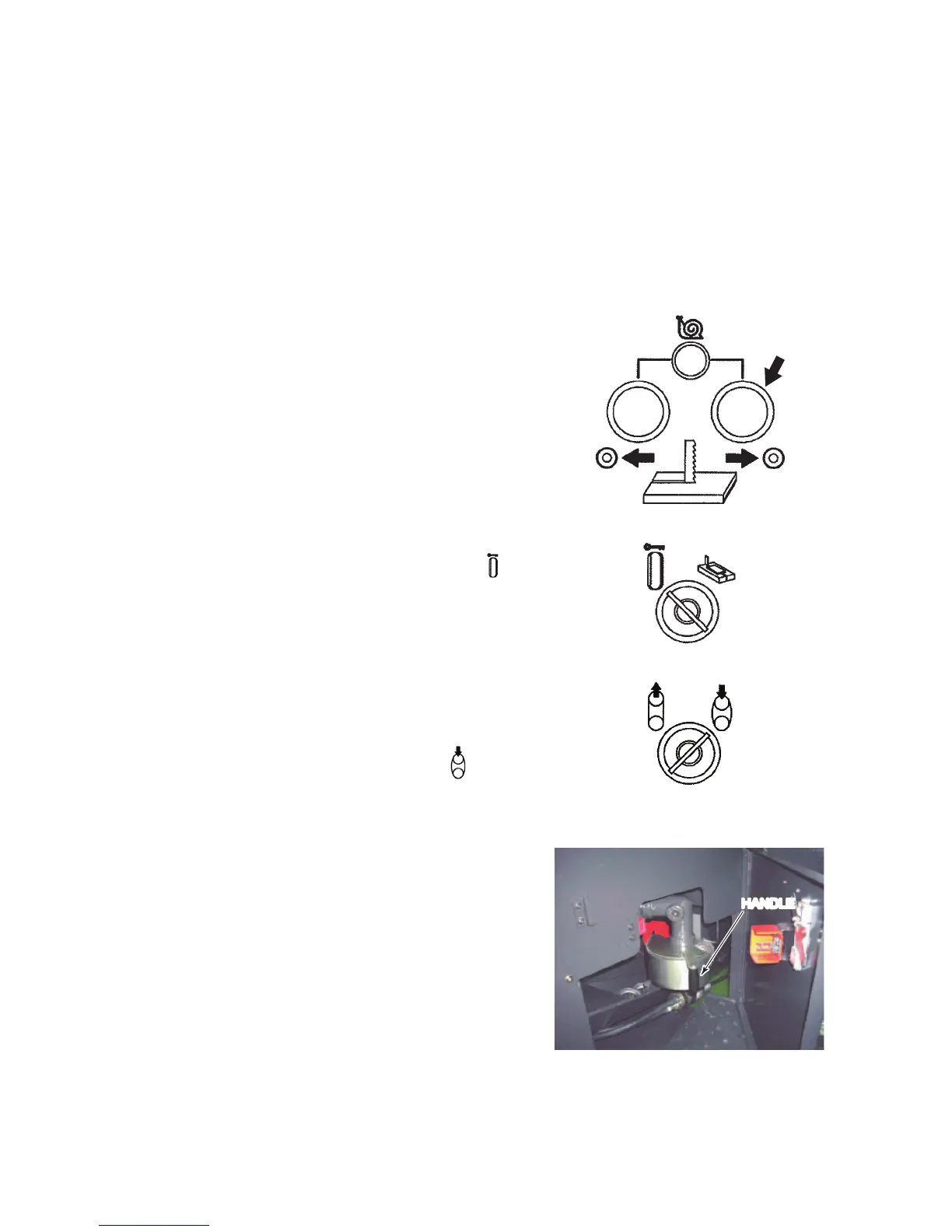
2 Press and hold the
TABLE BACKWARD
button to move the
table to the backward
end.
3 Turn the MODE
keyswitch to “
” to
lock the table.
4 Open the driven
wheel cover.
5 Turn the BLADE
TENSION keyswitch
to the “
” position
to move the driven
wheel down to the
lower end.
6 Open the drive wheel
cover.
The wire brush is
located at the left side
of the drive wheel.
7 Pull the handle of the
wire brush, move the
wire brush away from
the drive wheel.
HANDLE



 To Next Page