IV-6
8
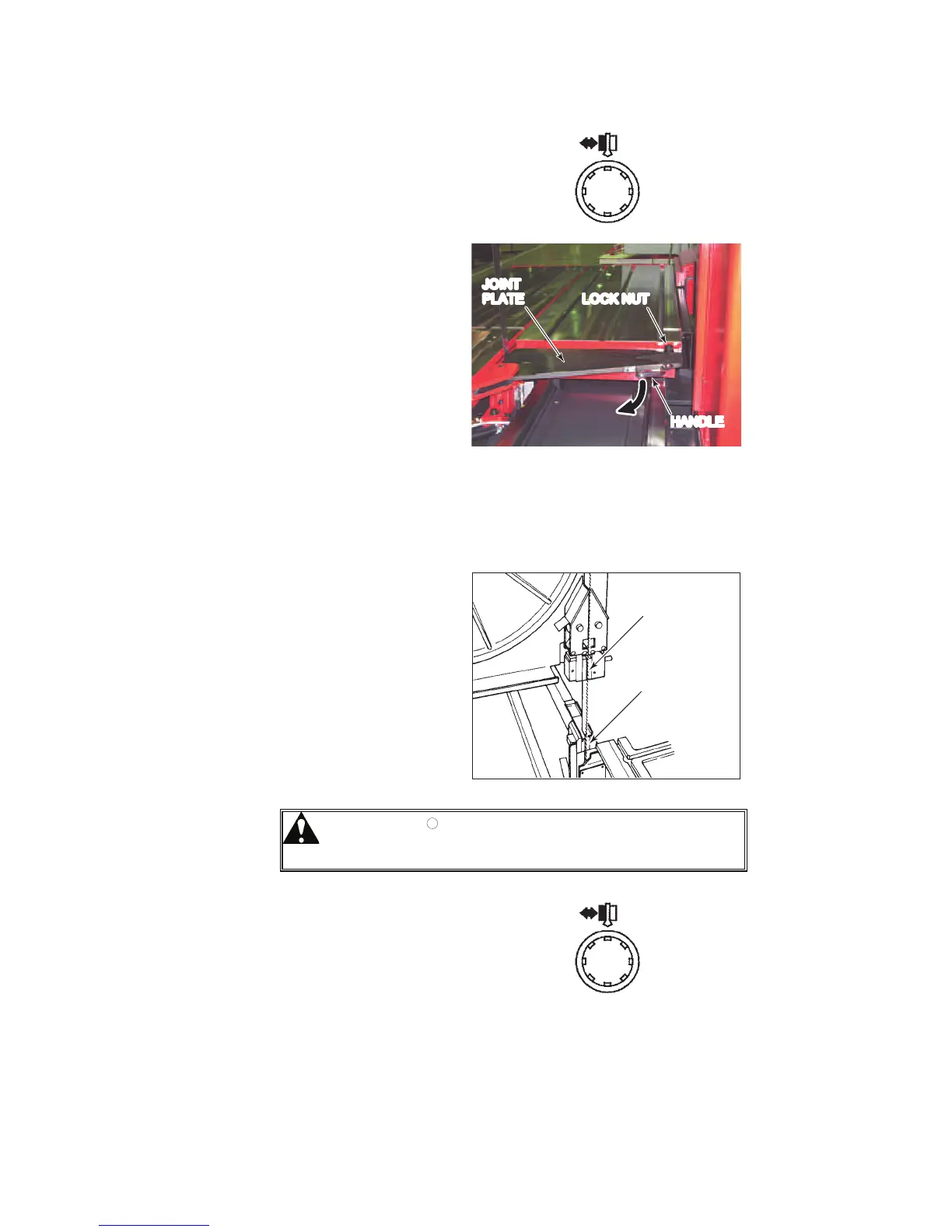
Press the BLADE
INSERT
OPEN/CLOSE button
to open the upper and
lower saw blade
inserts.
9 Loosen the lock NUT
at the forward end of
the table.
10 Hold the HANDLE of
the joint plate, and
turn the joint plate to
leave an opening for
the saw blade.
JOINT
PLATE LOCK NUT
HANDLE
11 Hold the saw blade with both hands so that its teeth face forward,
and put the saw blade into the opening in the bed.
12 Install the saw blade on the driven wheel and then on the drive
wheel.
13 Push the saw blade
into the lower saw
blade insert opening
and then into the
upper saw blade
insert opening.
UPPER SAW
BLADE INSERT
LOWER SAW
BLADE INSERT
CAUTION
O Push in the saw blade until its back is
securely pressed against the backup tips
of the saw blade inserts.
14 Press the BLADE
INSERT
OPEN/CLOSE button
to close the upper and
lower saw blade
inserts and clamp the
saw blade.



 To Next Page