Games
- 114 -
RENTAL PERIOD
Note that the rental period starts immediately from when the game is
downloaded and expires after so many hours or days REGARDLESS OF
WHETHER YOU PLAY THE GAME OR NOT. Therefore, if you select a short
period, be ready to play the game straight away.
5. Once you've decided how long you wish to
rent the game for, press the corresponding
number key to download the game.
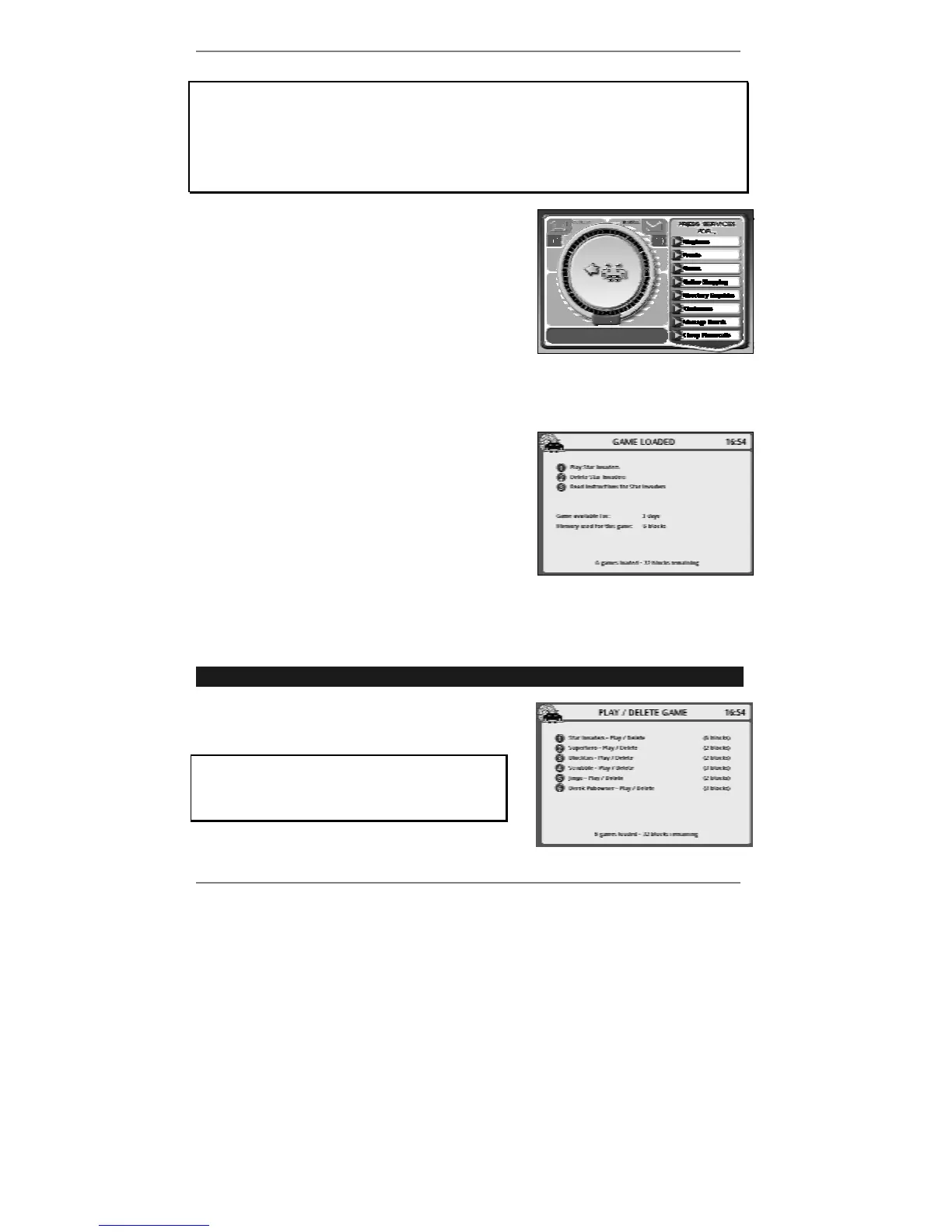
The e-m@iler will go online and the following
display will appear:
After a while, the message: Dialling for game
will change to (for example): Downloading
Star Invaders. Please wait a minute while the
game is downloaded.
& To abort the download, press STOP.
Once the game is downloaded, the following
display will appear (see example right):
♦ To play the game, press 1. For further
information see next page (from step 3
onwards).
Playing a previously downloaded game
➣
FAST TRACK: Press GAMES, 8, select game, press 1.
1. Press GAMES, 8 to receive the following
display:
If you haven't downloaded any games (or
all previously downloaded games have
expired), option 8 will not appear on the
games menu.



 To Next Page