Advanced settings
- 122 -
2. Press button 9 or 1 or 2 as follows:
♦ Press 9 to transfer* all setup data and Address Book entries FROM the e-m@iler
TO the Pocket Dock-it.
♦ Press 1 to transfer* Address Book entries FROM the Pocket Dock-it
TO the e-m@iler. (These replace or add to those already in the e-m@iler Address
Book.)
♦ Press 2 to transfer† setup data (registration details, etc) FROM the Pocket Dock-it
TO the e-m@iler.
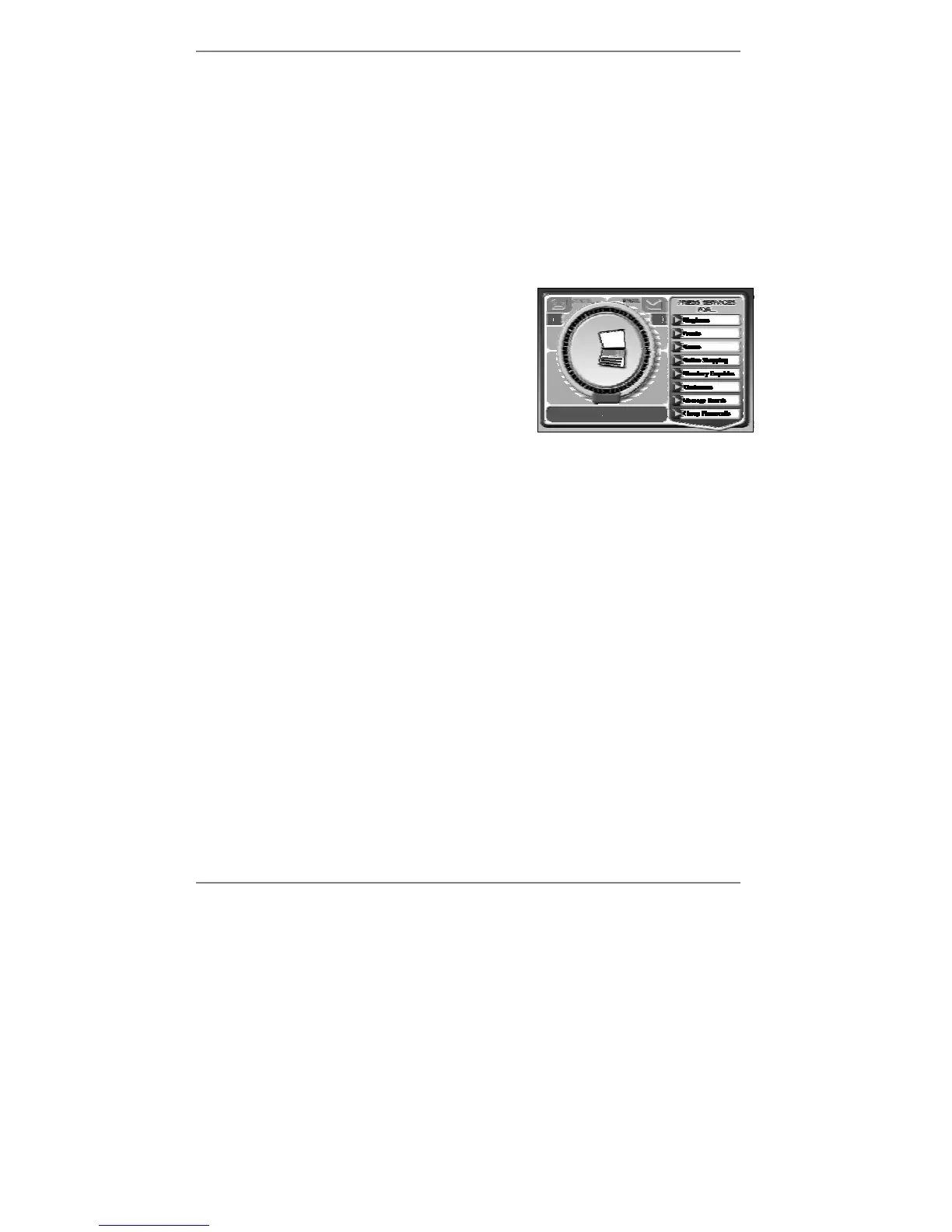
Once you've selected 9 or 1 or 2, the
e-m@iler
display will indicate that it is transferring data (see
example right):
After a while, the message Transfer
successful will appear (you will also hear a
confirmatory tone).
3. Remove the Pocket Dock-it from the
e-m@iler if required. (You may leave it
inserted if you wish.)
† If you have an older model e-m@iler or e-m@iler
plus
, you can use the Pocket Dock-it to
transfer* its Address Book entries to the E3 e-m@iler. Note, however, you cannot
transfer the setup data from the
e-m@iler or e-m@iler
plus
to the E3 e-m@iler, or vice
versa.
*Postal addresses and ringtone groups are not transferred.



 To Next Page