Advanced settings
- 132 -
Deleting an email user
➣
FAST TRACK: Press SETUP, 6, 3, follow on-screen instructions.
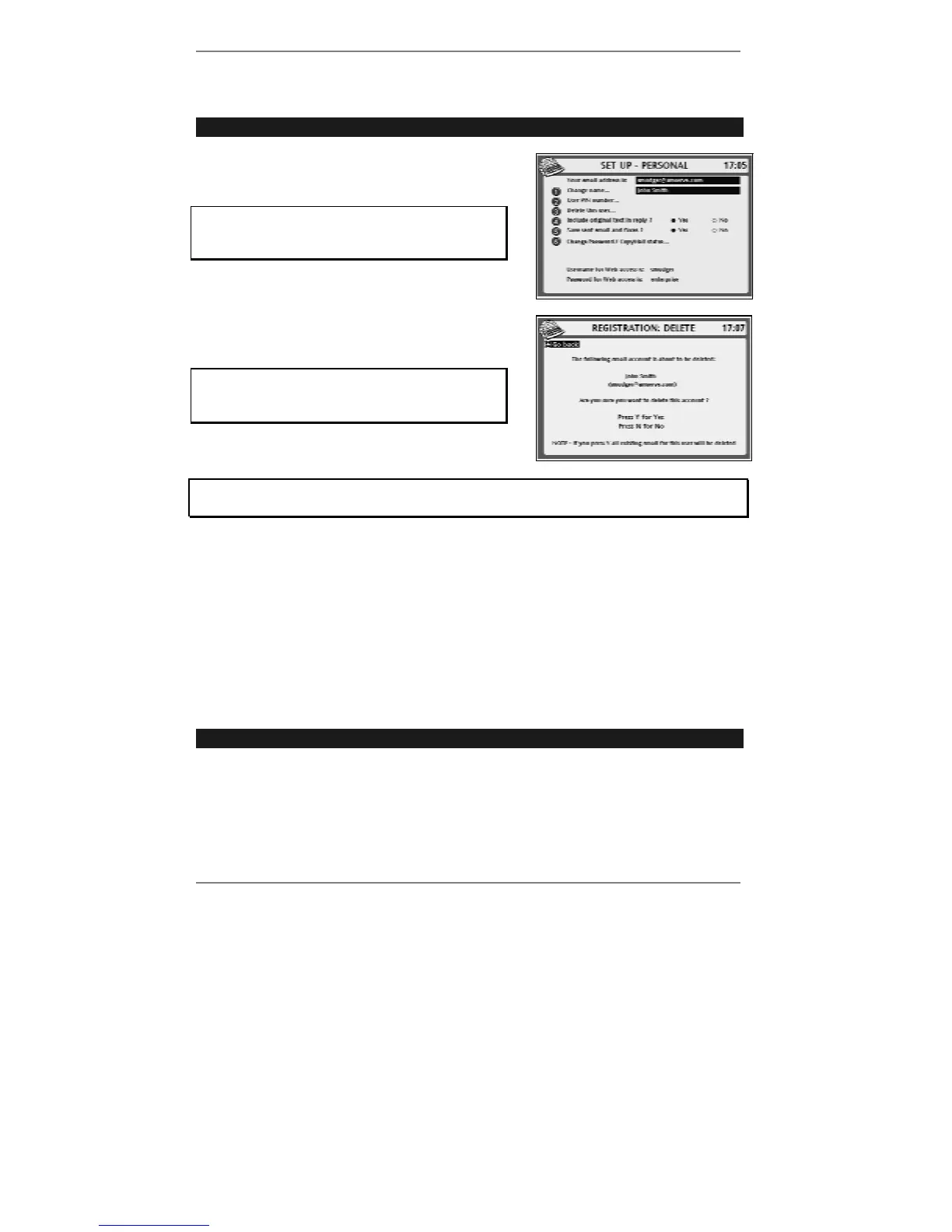
1. Press SETUP, 6 so that display top line reads
SET UP - PERSONAL:
If you've set up two or more email users,
then before you receive this display you'll be
asked to select a user.
2. Press 3 so that top line reads
REGISTRATION: DELETE:
WARNING – Pressing Y will immediately and
irrevocably erase all messages for the
deleted user.
3. Follow the on-screen instructions.
If you get stuck at any point, go back to pages 17 - 24 and look up the screen in
question to find out what action is required by you.
4. Press STOP repeatedly to return to the standby display.
Note, when you delete a user, the email account is suspended. You can
re-adopt the account within 90 days by carrying out the procedure below.
After 90 days, however, the account will be deleted and its username
released for re-use in new registrations. Any email sent to a deleted account
will be returned to the sender as undeliverable.
Adopting an old e-m@iler account
➣
FAST TRACK: Press SETUP, 8, 2, follow on-screen instructions.
Use this re-registration procedure only if you have an existing
e-m@iler account. (If
you're a first time user you must carry out the initial registration process on page 12.)
If you have a Pocket Dock-it (optional accessory), then after you've adopting your old
account using the procedure ahead, you can use the Pocket Dock-it to restore your
Address Book details. For information see page 121.



 To Next Page