Advanced settings
- 143 -
Storing internet passwords
➣
FAST TRACK: Press INTERNET, 5, 1, 2, select required option, select
lUpdatel
.
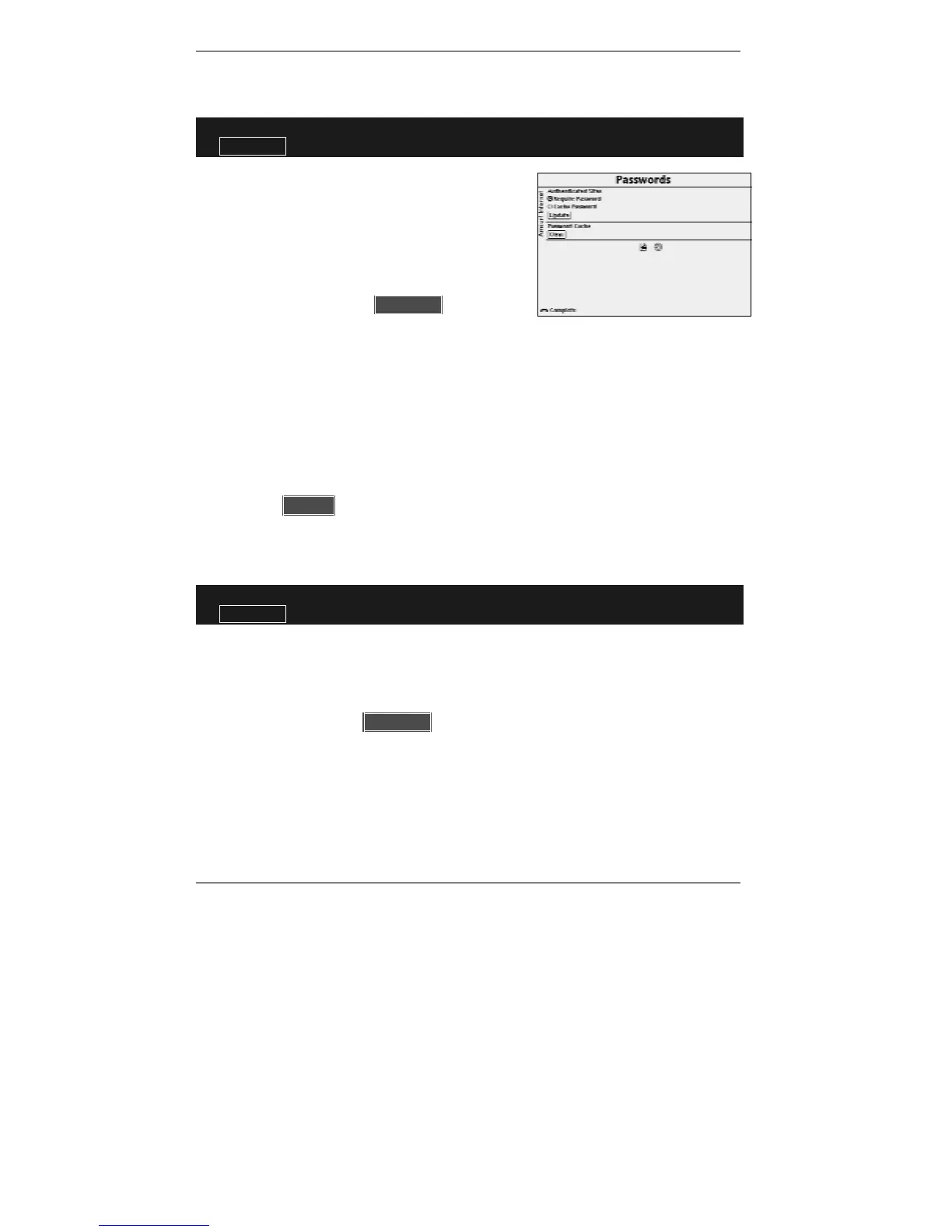
1. Press INTERNET, 5, 1, 2 so that display top
line reads Passwords:
2. Use U D and SELECT to highlight and select
)Require Password or )Cache
Password.
3. Use U D to highlight l lUpdatell then press
SELECT to store your setting.
4. Press INTERNET to return to the Amsurf menu.
& We recommend that you do not cache the password if there's a likelihood of
unauthorised people using Amsurf on your e-m@iler. Note, if the password is
cached, any user may be able to access your personal information without
entering a password.
♦ To clear all previously cached passwords using the above procedure, use
U D to
highlight l lClearll then press SELECT.
Hiding your location
➣
FAST TRACK: Press INTERNET, 5, 2, select required option, select
lUpdatel
.
1. Press INTERNET, 5, 2 so that display top line reads Privacy.
2. Use U D and SELECT to highlight and select )Do not send or )Send.
3. Use U D to highlight l lUpdatell then press SELECT to store your setting. (Press
INTERNET to return to Amsurf menu.)



 To Next Page