Registration
- 17 -
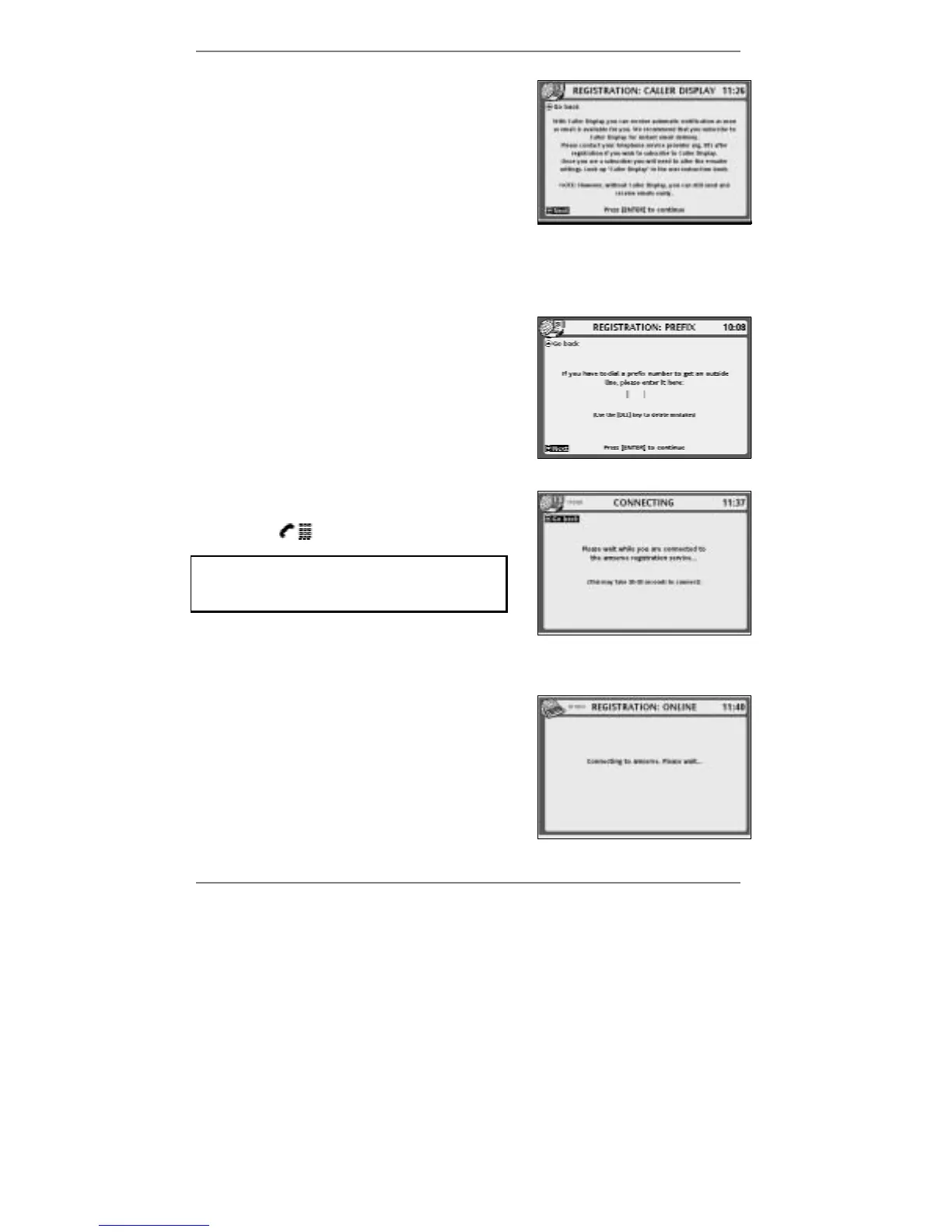
7. This display gives a recommendation that you
subscribe to Caller Display. (See note* below.)
Action required:
When you've read this display, press ENTER.
& Note* – If you later decide to subscribe to Caller Display and wish to
change to automatic email notification, see page 139 – 'Changing email
phone settings'.
8. If you're using the
e-m@iler as a switchboard
extension, find out whether you are required
to dial a prefix number (for example 9) in order
to get an outside line.
Action required:
Using the keyboard, type in the prefix number
if required (otherwise leave the box empty), then
press ENTER.
9. This display appears when the
e-m@iler dials
up the Amserve registration service. The
symbol
will appear at top left of display.
Remember – if you see
10101010 or $ (at
top left of display), wait for it to disappear
before continuing.
Action required:
Please wait for display 10 then 12.
10. This display appears when the
e-m@iler gets
through to Amserve. Note that after a few
seconds the message Connecting to
amserve will change to Getting a time
update from the internet.
Action required:
Please wait for display 12.



 To Next Page