Surfing the internet
- 84 -
To exit from Amsurf
To go offline and exit from Amsurf, press INTERNET, 7. After a few seconds the
e-m@iler will return to the standby display.
& Tip – as a shortcut, you can exit by pressing SYMBOL and Q (for Quit).
EMERGENCY ESCAPE!
If the e-m@iler starts dialling to go online and you wish to go offline straight
away, stop the surfing call by pressing SYMBOL and Q.
Searching by address
➣
FAST TRACK: Press INTERNET, 2, type in address, select internet setting,
select
lGol
.
Use this procedure only if you know the exact address of the page you wish to go to. If
you want to search for a particular subject or person or phrase, see 'Searching for a
subject' on page 92.
If you've been given a choice of addresses, use one beginning with wap. or wsp://
or ending with /wap or /mobile or /palm or /pda – these sites are more easily
accessed and displayed. Similarly, if the site you're visiting offers a mobile, wap or
wireless option, then that should be selected.
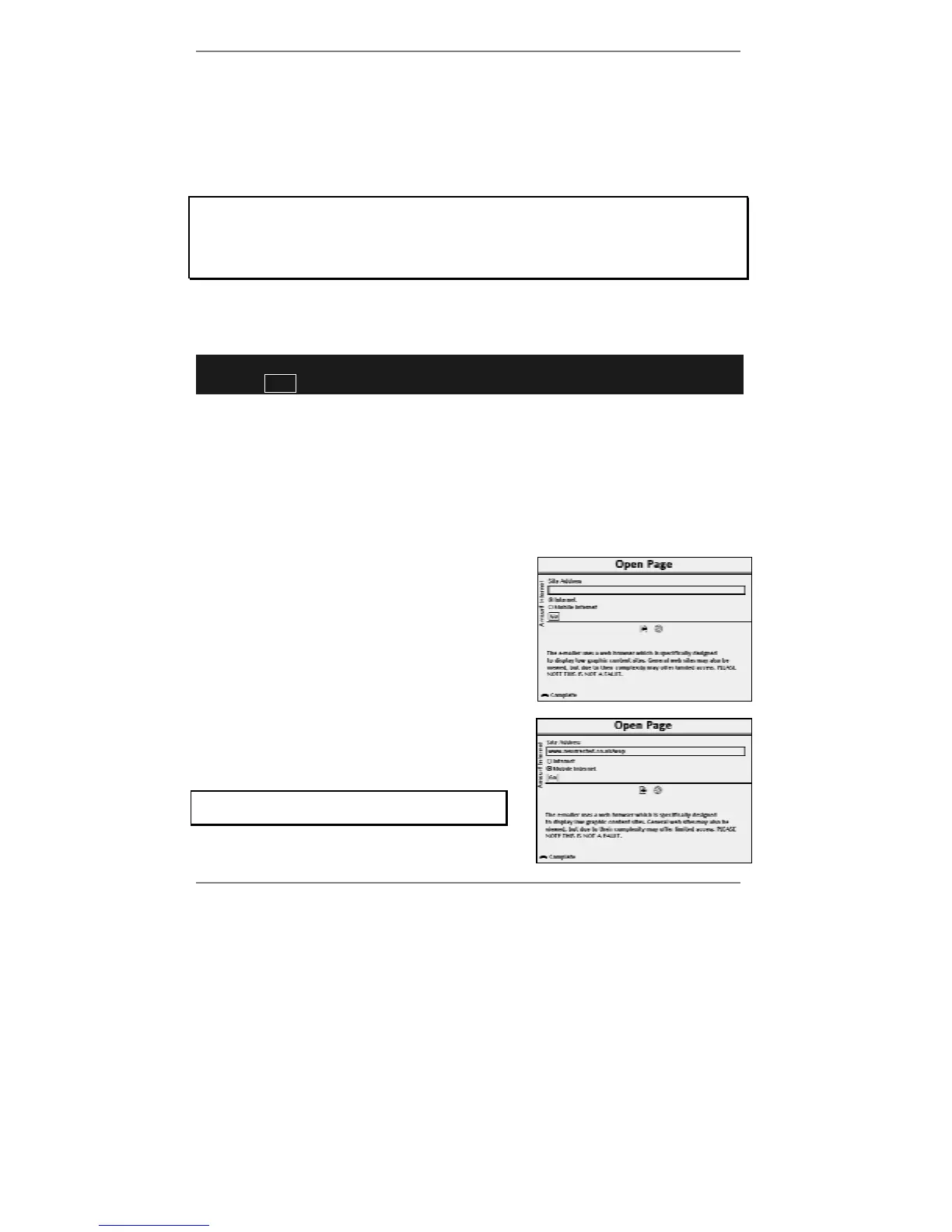
1. Press INTERNET, 2 to receive the following
display:
& Tip – as a shortcut, you can go to this display
by pressing SYMBOL and P (for Page).
2. Type in the address for the page you wish to
find, for example:
www.resurrected.co.uk/wap
Note, the address must be typed in correctly
otherwise the page will not be found.



 To Next Page