Surfing the internet
- 85 -
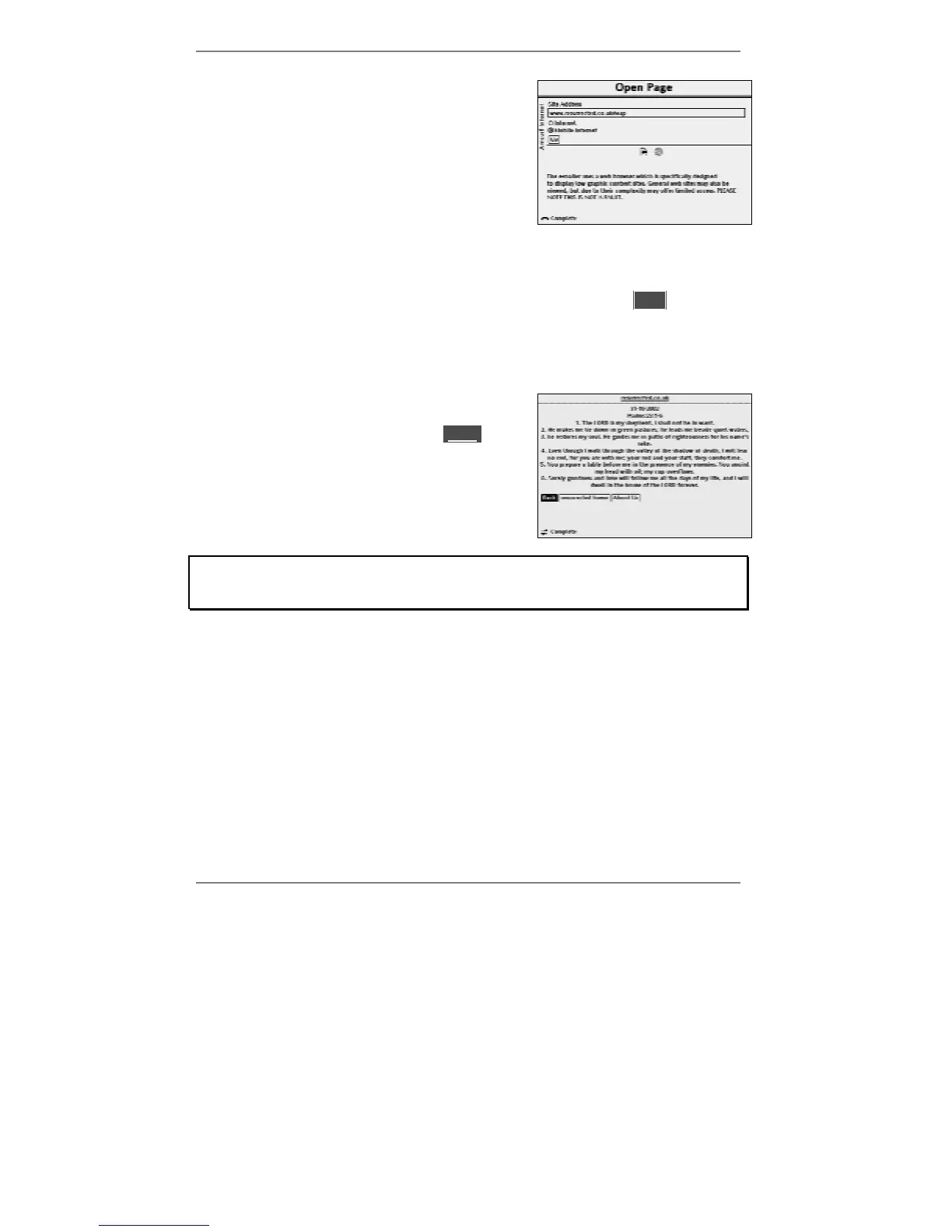
3. Depending on whether you're going to a
normal web page or a low-graphics web page,
use U D and SELECT to highlight and select
either )Internet (normal web page) or
)Mobile Internet (low-graphics page).
& If you're not sure whether to select )Internet or )Mobile Internet then
try each setting and see which one displays the page correctly.
4. Once you've checked the address is correct, use D to highlight l lGoll then press
SELECT to find the page. (The e-m@iler will go online if it hasn't already done so.)
Please wait while the page is found. You can monitor search progress by the various
messages and icons displayed at the bottom of the screen (explained on page 81).
After a while, the page will appear.
At this point you can select any new llinkl or go
back to the previous page. Alternatively, you can go
to a new address or a favourite page (described
ahead).
Note the e-m@iler uses a web browser which is specifically designed to display
low graphic content sites. General web sites may also be viewed, but due to their
complexity may offer limited access. PLEASE NOTE THIS IS NOT A FAULT.
When visiting web sites, you may find that you can access many of them more
easily by electing to view them without images. To do this, see Advanced
settings page 144.



 To Next Page