Surfing the internet
- 87 -
Storing favourite page addresses
Use this procedure if you wish to add known page addresses to the favourites list
without displaying them. This is a quicker way of storing lots of favourite addresses,
and can be carried out offline.
1. Press INTERNET, 3.
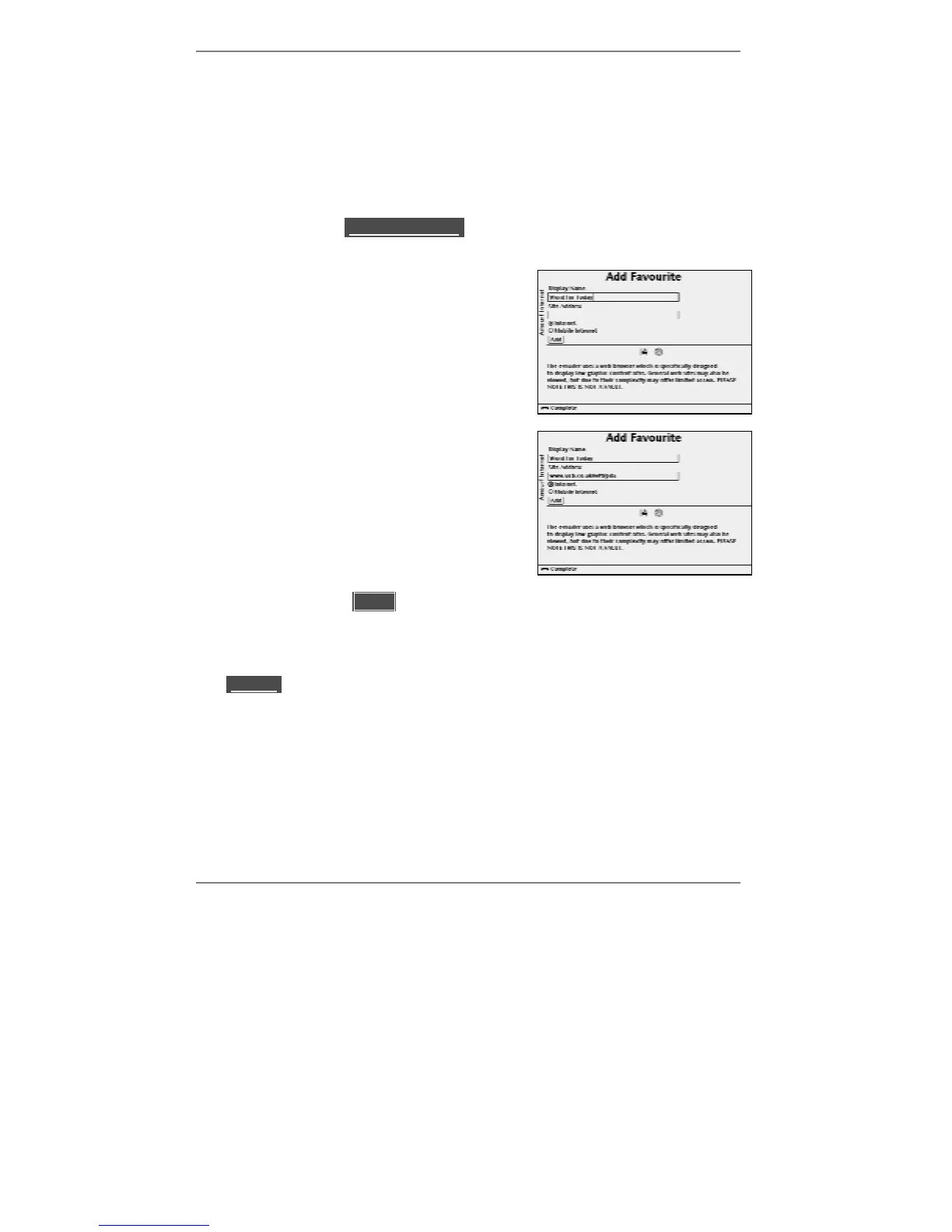
2. Use D to highlight lAdd Favouritel then press SELECT. The following display
will appear (see example below).
3. Type in your chosen name for this favourite
entry, for example:
Word for Today
Note, choosing a previously used name will
overwrite the old favourite.
4. Press D once then type in the address for the
site, for example:
www.ucb.co.uk/wft/pda
5. Use U D and SELECT to highlight and select
)Internet (web page) or )Mobile
Internet (low-graphics page).
6. Press D to highlight l lAddll then press SELECT to store.
7. If you wish to store any more favourite addresses, repeat steps 2 to 6.
8. Once stored, you can select any favourite to go to that site (or you can highlight
l(Edit)l to edit or delete that favourite – information on page 89).



 To Next Page