Surfing the internet
- 88 -
Going to a favourite page
➣
FAST TRACK: Press INTERNET, 3, select required favourite.
Use this procedure to go to any favourite page you have stored. (See pages 86 and 87
for information on storing favourites.)
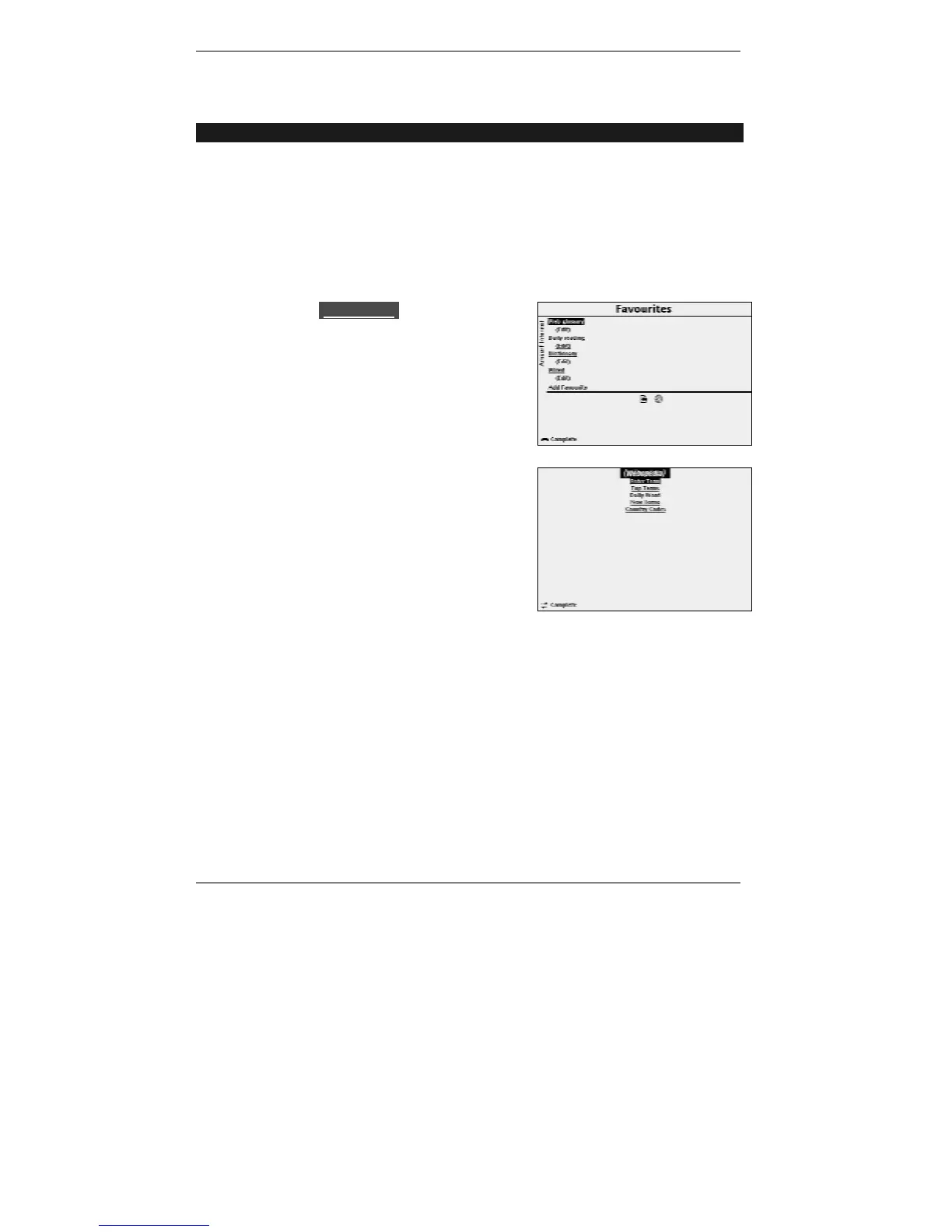
1. Press INTERNET, 3 to receive the following display (see example below).
& Tip – as a shortcut, you can go to this display by pressing SYMBOL and F
(Favourite).
2. Use U D to lhighlightl the favourite you
require, then press SELECT to go to the
page. (The e-m@iler will go online if it hasn't
already done so.)
Please wait while the page is found. You can
monitor search progress by the various messages
and icons displayed at the bottom of the screen
(explained on page 81).
After a while, the page will be displayed.
At this point you can select any new link, go back
to the previous page or go to a new address or
favourite page.



 To Next Page