Surfing the internet
- 89 -
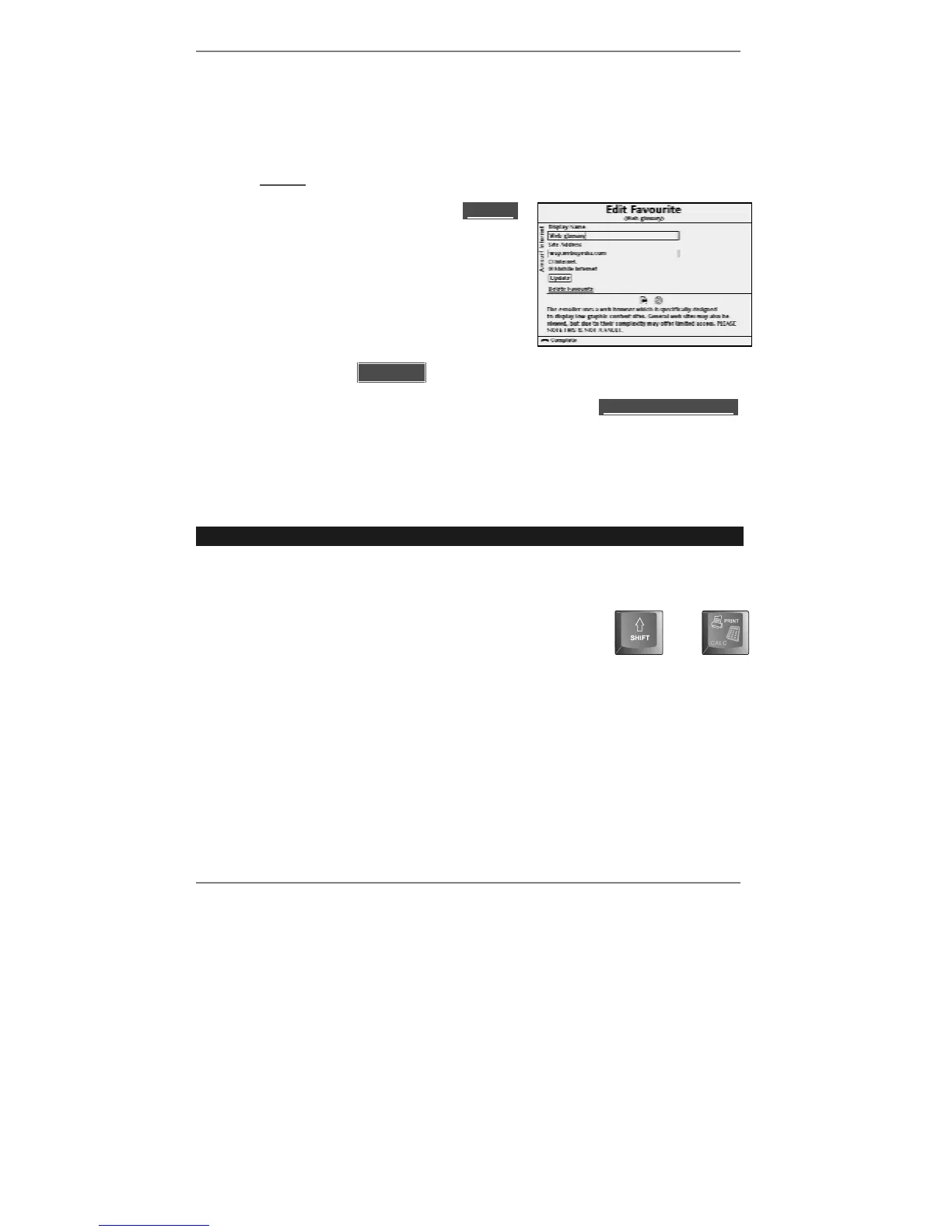
Editing or deleting a favourite
Use this procedure to edit or delete any favourites previously stored.
1. Press INTERNET, 3 to display the list of favourites. Note after each favourite the
word (Edit) appears.
2. Use U D to highlight the particular l(Edit)l
you require, then press SELECT. The
following display will appear (for example):
3. Use
U D and SELECT to edit the item you
want to change. (Use !DEL to delete any
unwanted text before typing in any new text.)
4. Use U D to highlight l lUpdatell then press SELECT.
♦ If you wish to delete this favourite, use U D to highlight lDelete Favouritel
then press SELECT.
Printing a web page
➣
FAST TRACK: Display page, press "SHIFT and PRINT.
If you've connected a printer to the
e-m@iler (as shown on page 119), you can print
web pages.
Simply display the page you wish to print, then press
"SHIFT and PRINT on the keyboard.
and
For full information, see the section entitled 'Printing' on page 66.



 To Next Page