
 To Next Page

C
cristianparksAug 6, 2025
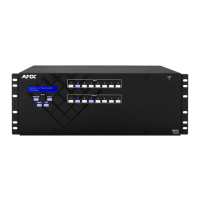
Why is the audio not outputting or distorted on my AMX Enova DGX 8 Switch?
- AAlicia EverettAug 6, 2025
If audio is not outputting or is distorted on the destination device, it might be because the device doesn't fully support the default EDID (2 channel L-PCM audio) on the DGX HDMI Board. To resolve this, use the EDID programming functionality in the DGX Configuration Software to read the EDID from the destination device and write it to the HDMI input on the Enova DGX Switcher. Another potential cause is that the device can't support the audio format with the new EDID setting. In this case, use the DGX Configuration Software to write an EDID to the HDMI input on the Enova DGX Switcher that best represents the downstream destination.
 General