4.2 Setting Parameters
4-17
(4) Measurement time setting
Set measurement time.
It can be set from 1 second to 999 hours 59 minutes 59 seconds in
1-second steps on “Time” setting.
Select “Time” measurement method on the measurement menu
screen to perform setting and measurement.
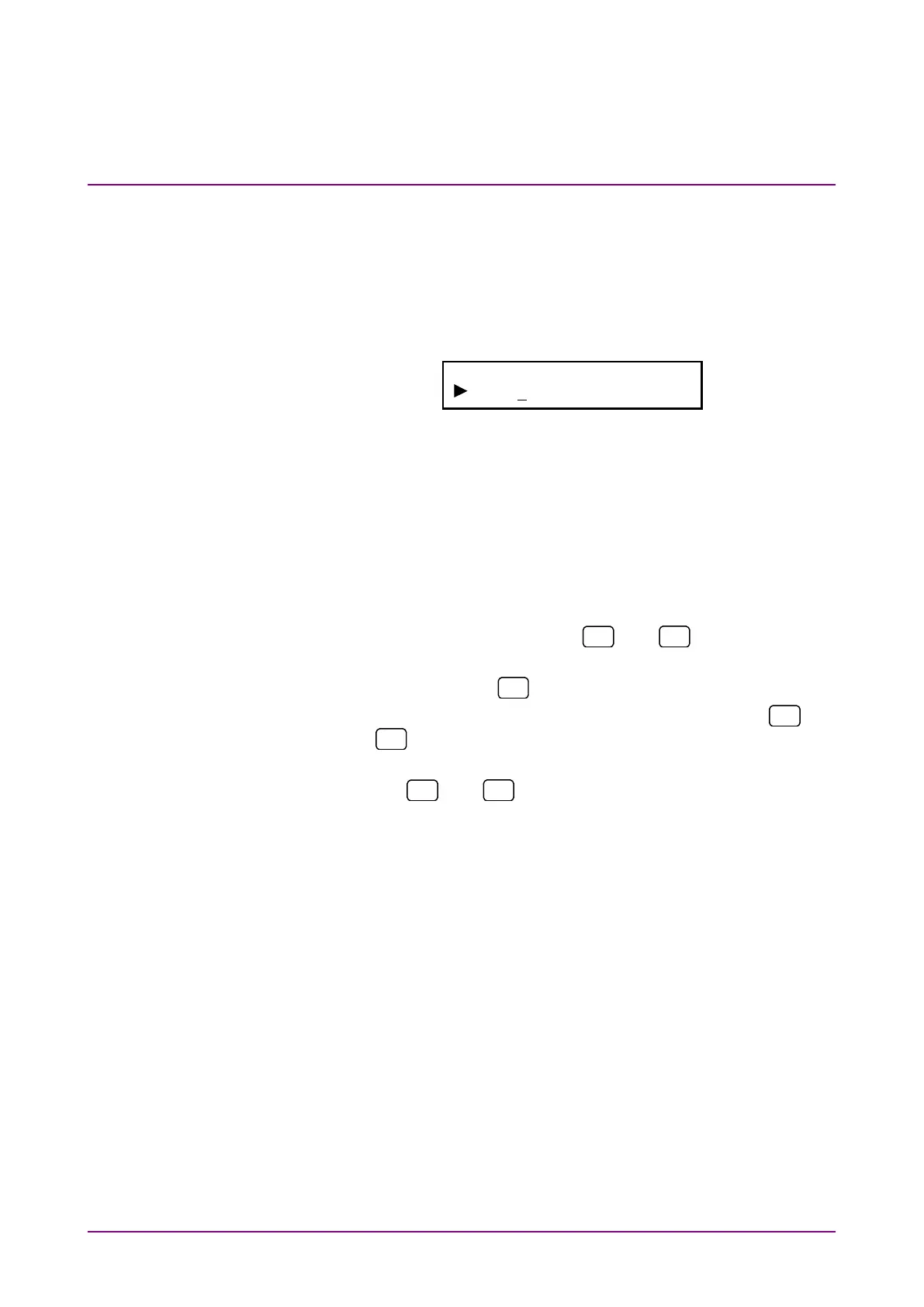
Measure Time
000h 00m 01s
Note:
The measurement time can be set from 1 second to 999 hours
59 minutes 59.90 seconds in 0.1 second steps, by using the
remote control command MEASDTIME.
(Note, however, that decimal values are truncated when the
measurement time is displayed on the screen.)
<Procedure>
1. Select “Time” by using the
and
keys on the Meas-
ure* setting screen.
2. Press [Enter] or
to display the Time setting screen.
3. Move the cursor to the digit to be set by using the
and
keys.
4. Increase/decrease the count at the digit with the cursor by using
the
and
keys.
Count can be increased/decreased over the current and upper
digits.
5. Repeat Steps 3 and 4. Press [Enter] to finalize the setting.
When this setting is performed during measurement, meas-
urement is restarted and the menu closes. When this setting is
performed while measurement is stopped, the measurement
menu is displayed again.














 To Next Page