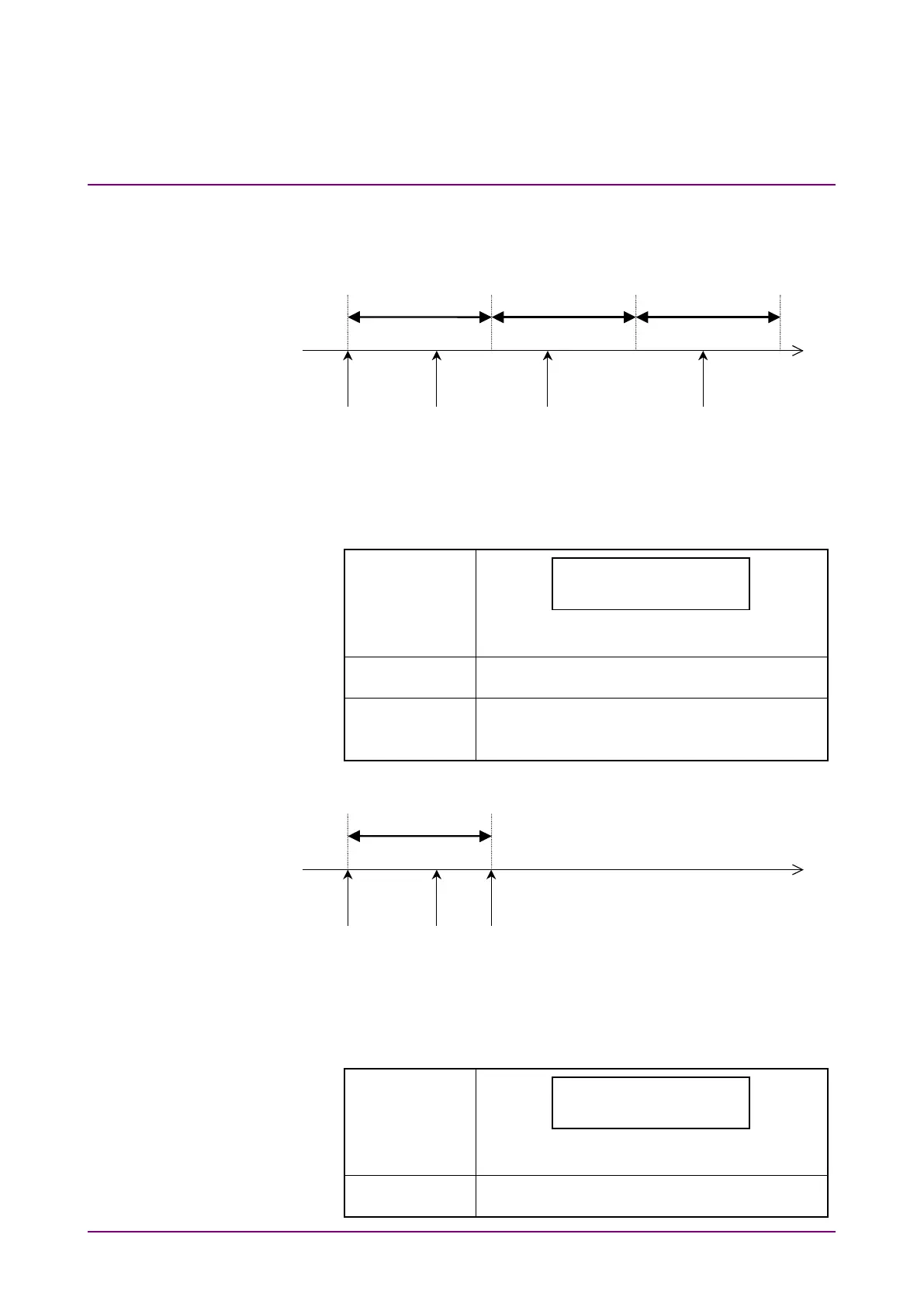
The following shows how measured results are displayed according to the
Repeat parameter setting.
[When Repeat is set to On]
•
When “Current” is selected:
The measurement results at time points 1 through 3 are displayed.
•
When “Last” is selected:
The measurement results are displayed as follows.
NRZ(ECL) 155,000
RATE -.--E+--
“
−
”
is displayed for each digit in the measured
results display.
The measured result at the end of Interval 1 is
displayed during Interval 2.
The measured result at the end of Interval 2 is
displayed during Interval 3.
The same goes for the subsequent intervals.
[When Repeat is set to Off]
End of measurement,
Time point 2
•
When “Current” is selected:
The measurement results at time points 1 and 2 are displayed.
•
When “Last” is selected:
The measurement results are displayed as follows.
NRZ(ECL) 155,000
RATE -.--E+--
“
−
”
is displayed for each digit in the measured
results display.
The measured result at the end of Interval 1 is
displayed.














 To Next Page