A3 PLUS - A5 - A6 PLUS - L6
SURGICAL SINGLE CART
• Press and hold button (A) to exit the settings and confirm the changes
made.
The LED (L1) will turn off after exiting the settings.
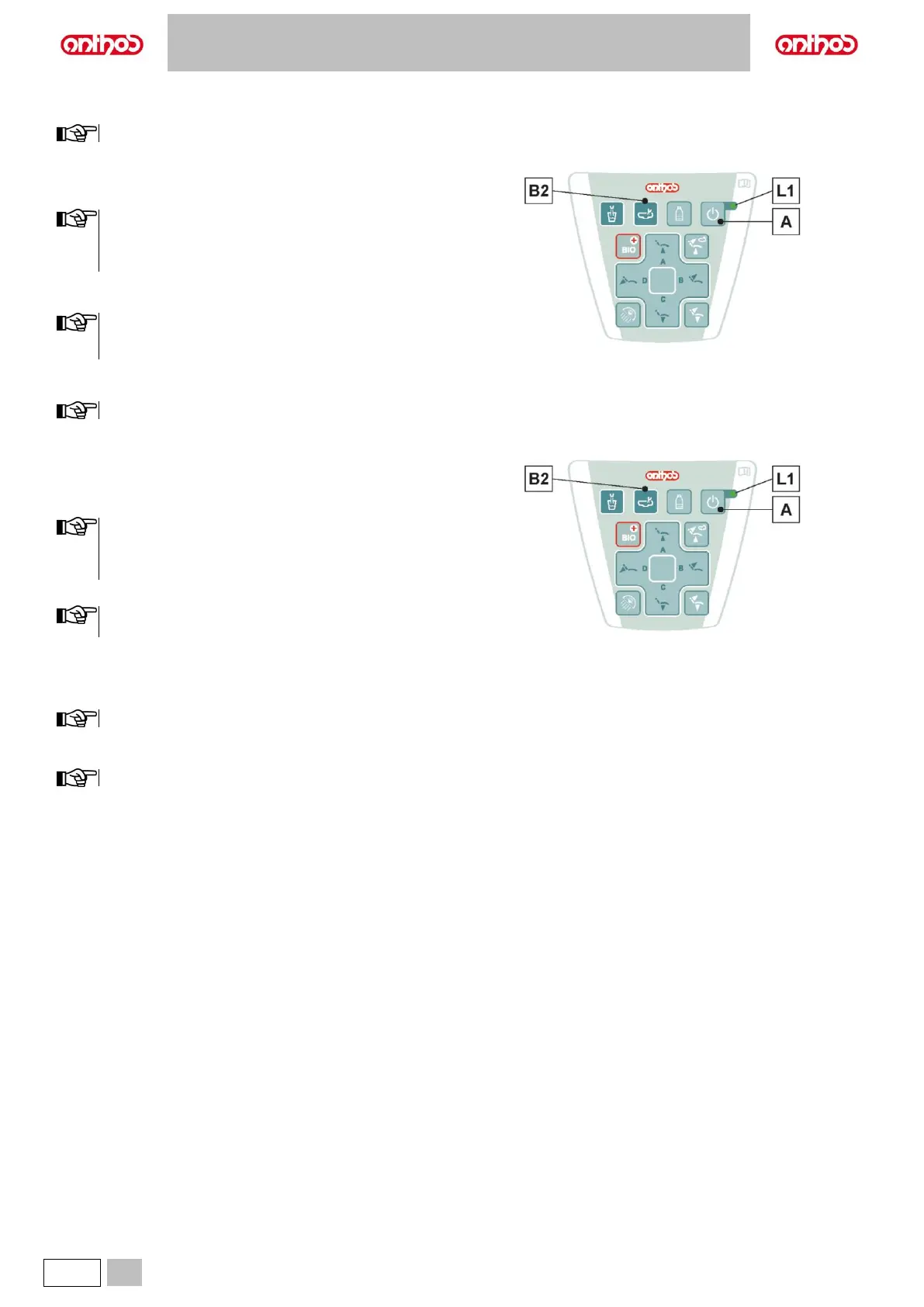
Bowl flushing time setting.
• After switching on the dental unit, press button (A) 3 times to enter the
water unit settings.
1 intermittent BEEP will initially signal that the procedure is
being carried out correctly, then the intermittent BEEP will be
replaced by the slow flashing of LED (L1), indicating that it is
possible to proceed with the settings.
• Press button (B2) once to start delivering water to the bowl.
• Press button (B2) again to set the bowl flushing time.
When the maximum time allowed by the manufacturer is
reached, the water delivery will automatically stop and this
time will be saved.
• Press and hold button (A) to exit the settings and confirm the changes
made.
The LED (L1) will turn off after exiting the settings.
Changing bowl operation.
Water delivery to the bowl can take place in an untimed manner
(ON/OFF operation of the relative control button).
• After switching on the dental unit, press button (A) 3 times to enter the
water unit settings.
1 intermittent BEEP will initially signal that the procedure is
being carried out correctly, then the intermittent BEEP will be
replaced by the slow flashing of LED (L1), indicating that it is
possible to proceed with the settings.
• Press and hold button (B2) to enter the bowl function settings.
The fast flashing of LED (L1) will signal the bowl function
settings.
• Press button (B2) to change the operation.
A beep sounds to signal the selected operating mode.
1 BEEP: timed operation.
3 BEEPS: ON/OFF operation.
Timed operation is factory set.
• Press and hold button (A) to exit the settings and confirm the changes
made.
The LED (L1) will turn off after exiting the settings.



 To Next Page