136
Changing Automatic Data
Communication & Sync Settings
Customize settings to automatically lower amount of data
communication.
Change settings in the following ways.
Item Description
Location
Disable location information. See
"Location Settings" for details.
Automatic
syncing
Disable automatic syncing of applications
and data set in your account. See "User &
Account Settings" for details.
Background
data
communication
Restrict background data. See "Data Usage
Settings" for details.
Backup
communication
Restrict data for backing up handset. See
"Backup/Restore Options" for details.
Communication
while abroad
Set handset to not permit data while
using handset abroad. See "Call Barring"
for details.
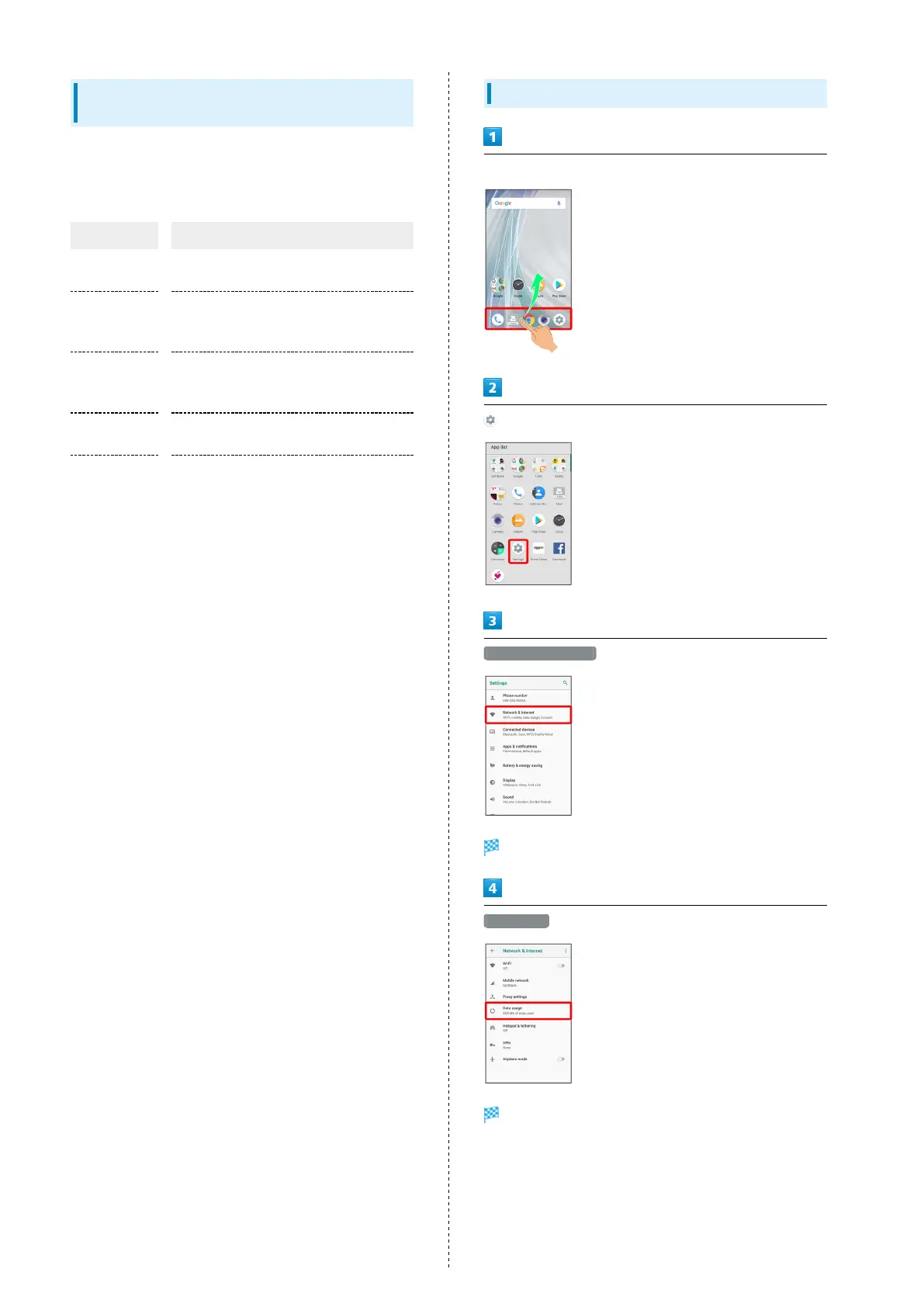
Setting a Limit on Mobile Data Usage
In Home Screen, Flick Favorites Tray up
(Settings)
Network & Internet
Network & Internet window opens.
Data usage
Data usage menu opens.



 To Next Page