180
About Phone
Check handset status and adjust sensitivity of sensors.
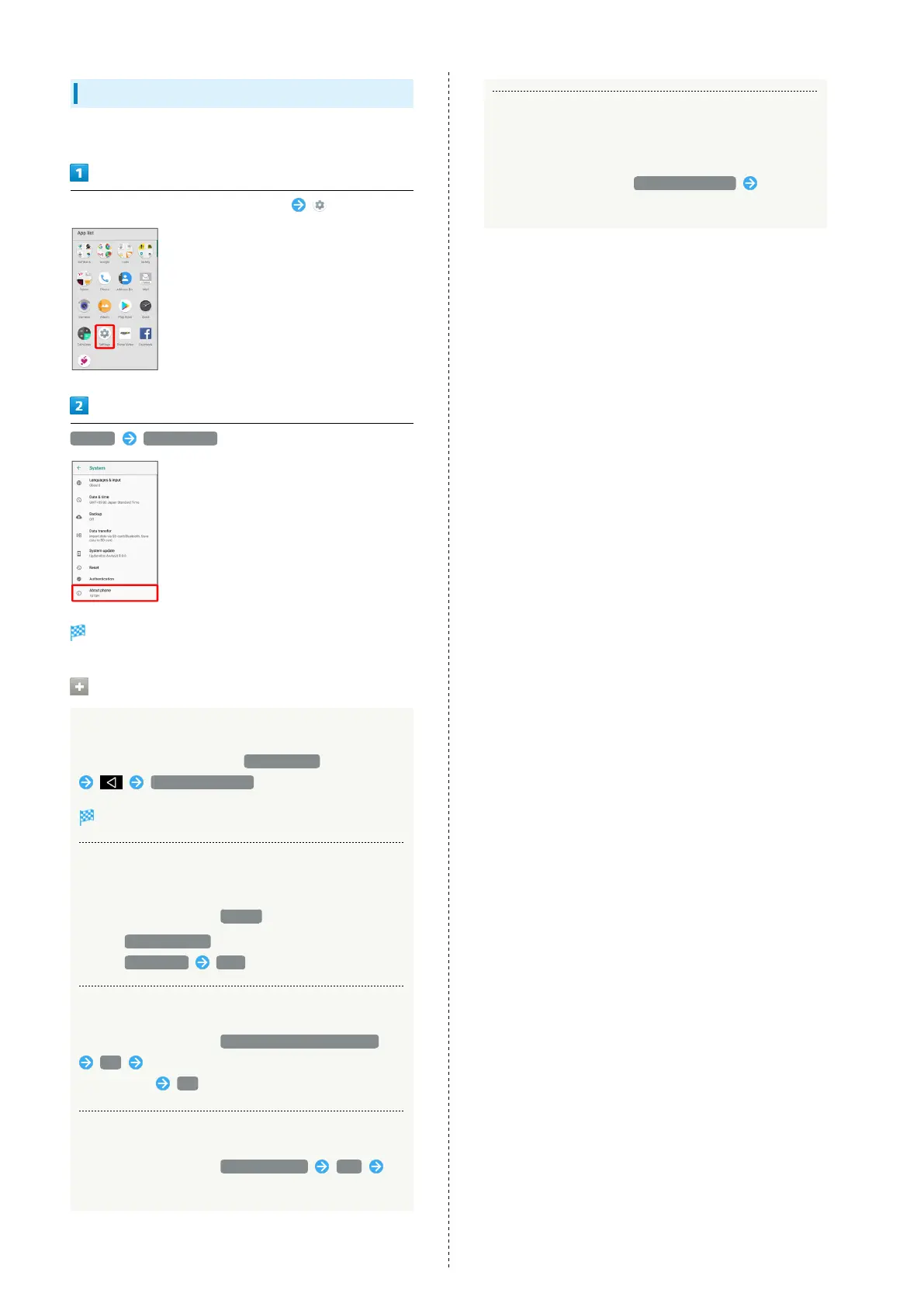
In Home Screen, Flick Favorites Tray up (Settings)
System About phone
Handset information opens (About phone window).
Handset Information Operations
Accessing Developer Options
In About phone window, Tap Build number seven times
Developer options
Developer options open.
Checking Battery Level, Your Phone Number,
and Other Handset Status
In About phone window, Status
・
Next, Battery status to check battery depletion.
・
Next, SIM status IMEI to check IMEI barcode.
Adjusting Motion Sensor/Magnetic Sensor
In About phone window, Adjust sensitivity of sensor
OK Follow onscreen prompts (until completion
tone sounds) OK
Setting Carrier
In About phone window, Carrier Setting Yes
Follow onscreen prompts
Checking Legal Information/Certification
Handset conforms to technical standards under the Radio
Law and Telecommunications Business Law.
In About phone window, Legal information Follow
onscreen prompts



 To Next Page