304 DG14 and DG16 Board & Sensor Reference Manual
SBAS commands allow you control and specify usage of WAAS, EGNOS, and
MSAS functionality. These commands are available only if the SBAS option [W] is
installed. When the [Y] option is installed, 2 channels are made available for tracking
SBAS satellites. If you did not purchase this option, and you want to now, please
call your Thales Navigation OEM Sales Representative. See Receiver Options,
on page 15 for more information on the available receiver options
The receiver can track two geostationary SBAS satellites at a time and includes
the ranging, ephemeris and SBAS differential correction data messages over the
RS232 output ports. The DG16 can process SBAS corrections for DGPS
positioning. SBAS corrections are converted to RTCM SC-104 corrections and
output through the serial ports.
In the GPS+SBAS mode, the DG16 retains all standard functionality, including high
data output rates (raw and navigation).
The DG16 has several modes of SBAS operation:
• Automatic Mode—the receiver determines which SBAS satellite(s) to use
• Single Automatic Mode
• Dual Automatic Mode
• Manual Mode—you manually set which SBAS satellite(s) to use
• Single Manual Mode
• Dual Manual Mode
The default SBAS mode is Single.
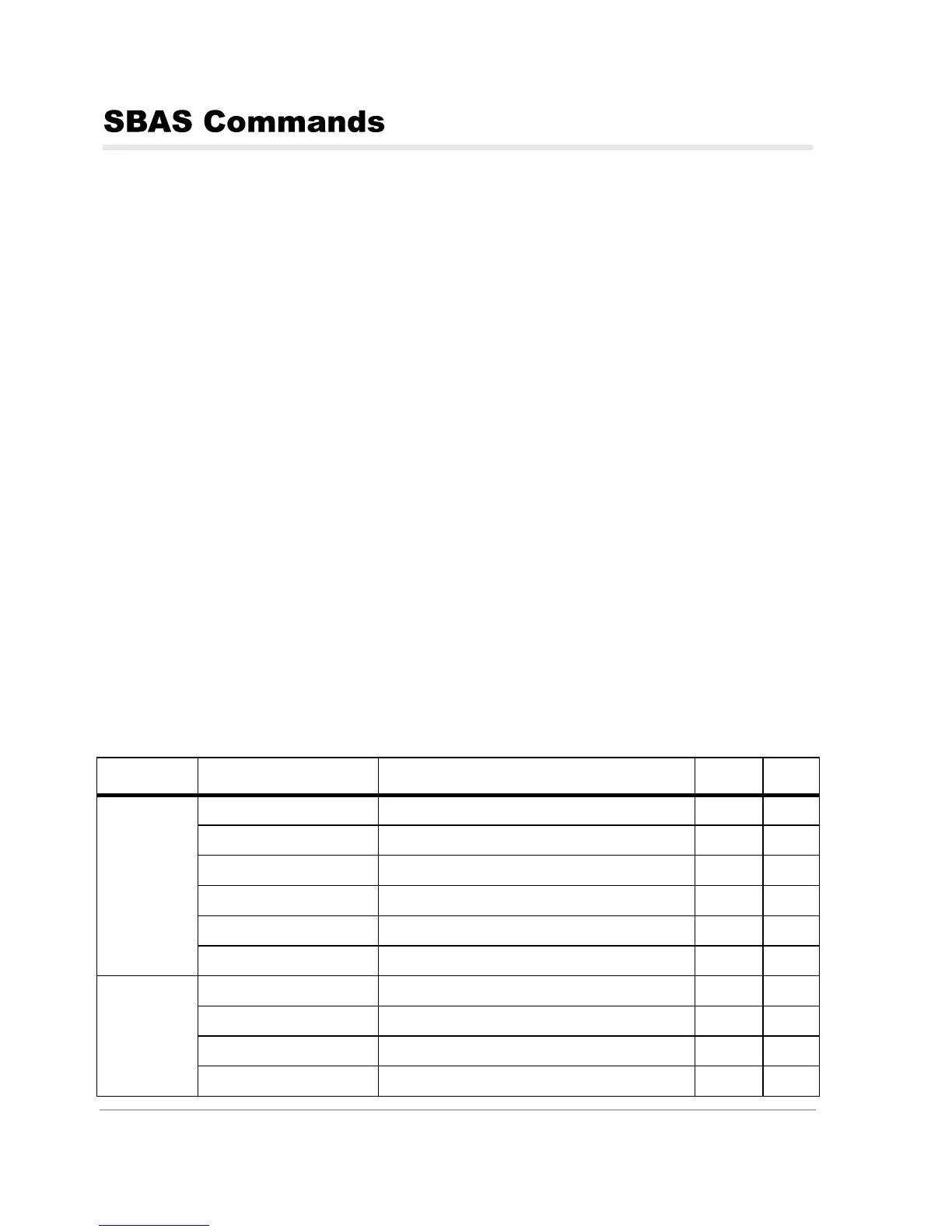
Table 9.8 outlines the SBAS commands
.
Table 9.8. SBAS Commands
Function Command Description Default Page
SBAS Mode
$PASHS,SBA,SAM Enable Single Automatic SBAS Mode 312
$PASHS,SBA,DAM Enable Dual Automatic SBAS mode 307
$PASHS,SBA,MAN,xx Enable Single Manual mode 310
$PASHS,SBA,MAN,xx,yy Enable Dual Manual mode 310
$PASHS,SBA,OFF Disable the SBAS mode 310
$PASHS,SBA,SSO Set SBAS satellite search order 312
SBAS
Ephemeris
and Almanac
$PASHS,RAW,SAW Enable or disable SBAS almanac data 216
$PASHQ,SAW Query the SBAS almanac data 216
$PASHS,RAW,SNW Enable or disable SBAS ephemeris data 220
$PASHQ,SNW Query the SBAS ephemeris data 220



 To Next Page