326 DG14 and DG16 Board & Sensor Reference Manual
Components of UDM Utility
When using UDM Utility, you create and edit a project file. Within the project file
are the following file types:
• *.rdf—Receiver Definition File contains variables available for a specific
receiver and used to create messages. Each receiver type has the own
receiver definition file.
• *.ash—GPS receiver data file with the Ashtech commands for a specific
receiver. Each receiver type has a unique *.ash file
• *.mdf—Message Definition File contains user-defined messages uploaded
and saved to the receiver.
• *.prj—Project file
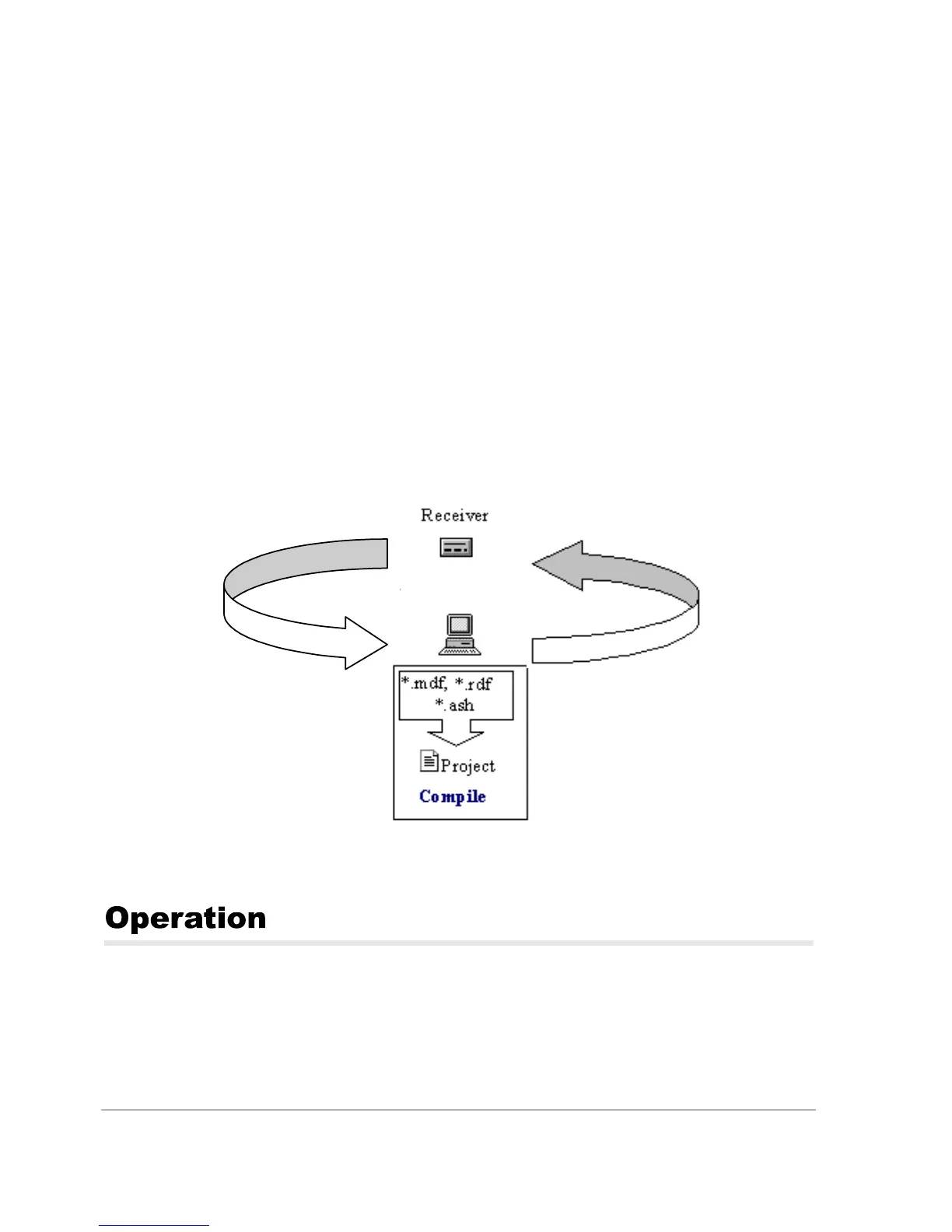
When you open a project, UDM utilizes the *.rdf and *.ash files for the receiver.
The *.mdf file is created when you save the project. Figure 1 shows the
relationships between the different components of UDM.
You can start UDM Utility from your Windows desktop.
To start UDM Utility, from the Start menu Programs folder, select UDM Utility
from the UDM Utility folder. The UDM Utility main window opens.
Figure A.1. Component of UDM
U
load
Download
UDM Utility



 To Next Page