EFD1000 E5 Dual Electronic Flight Instrument (EFI) Install Manual
DOCUMENT # 900-00041-001 PAGE 143-226 REVISION D
© Copyright 2019 Aspen Avionics Inc.
10.4.6.10 Installation Menu Page – NAV SETUP C
A429 input ports will be set to HIGH or LOW.
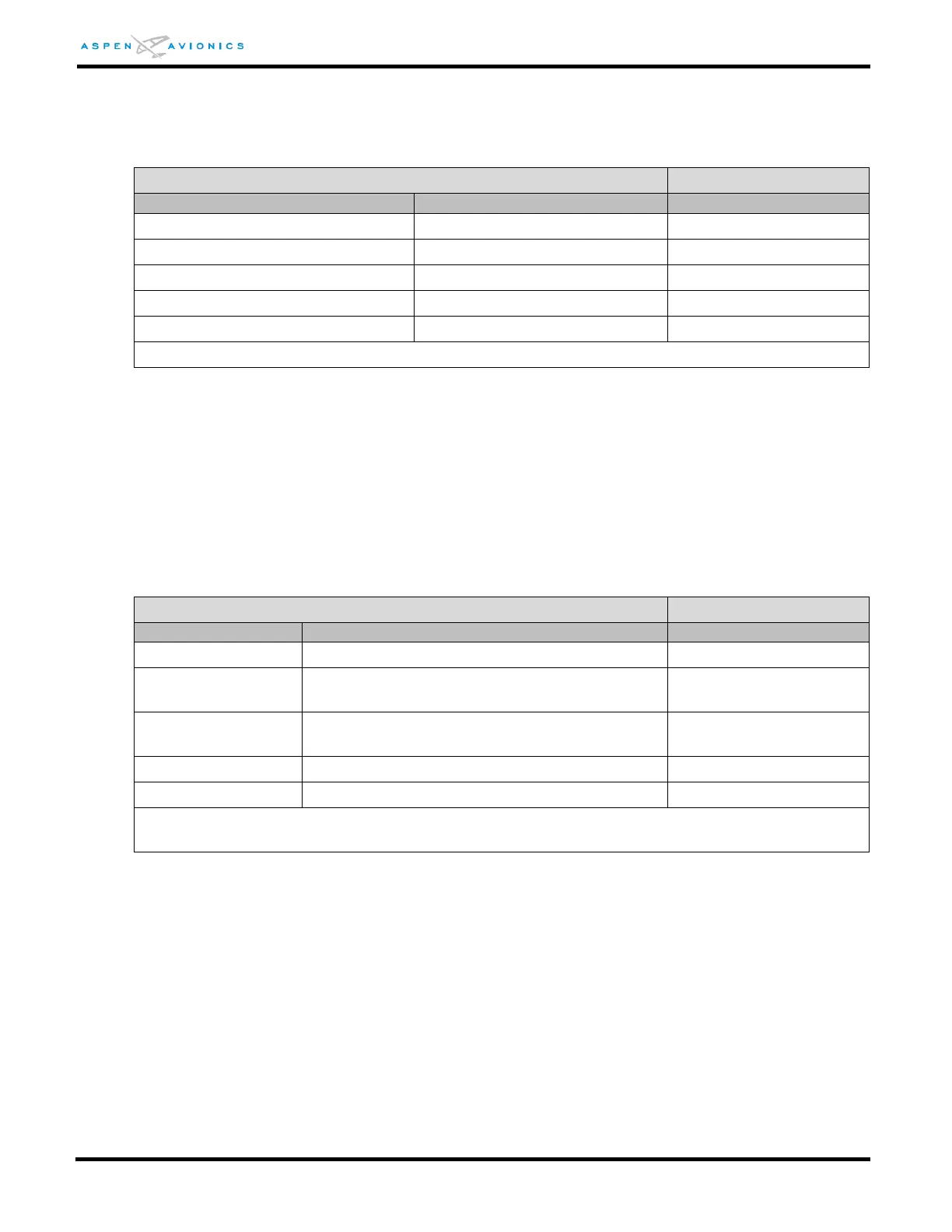
INSTALLATION MENU PAGE – NAV SET UP C
(1)
ACU set to LOW. ACU2 set to HIGH
NOTE: Power to the ACU2 should be reset after configuring the EFD because if it was running low
speed when powered up, it will continue to run low speed even if changed to high above until
it boots back up.
10.4.6.11 Installation Menu Page – RS-232 CONFIG A
The following menu is used to configure the RS-232 RX IN sensor ports. Options
include GPS type. Note - some ports do not include all interface options. (See wiring
diagrams in sections 9 to determine how each port was wired and configure port
accordingly.)
INSTALLATION MENU PAGE – RS-232 CONFIG A
NONE, GPS TYPE 1, GPS TYPE 2, GPS TYPE
3
NONE, GPS TYPE 1, GPS TYPE 2, GPS TYPE
3
Notes: GPS TYPE 1= KLN94/90B “standard”, GPS TYPE 2= KLN94 Enhanced, GPS TYPE 3=
GX50/55/60/65.



 To Next Page