ATTILA
EN
22
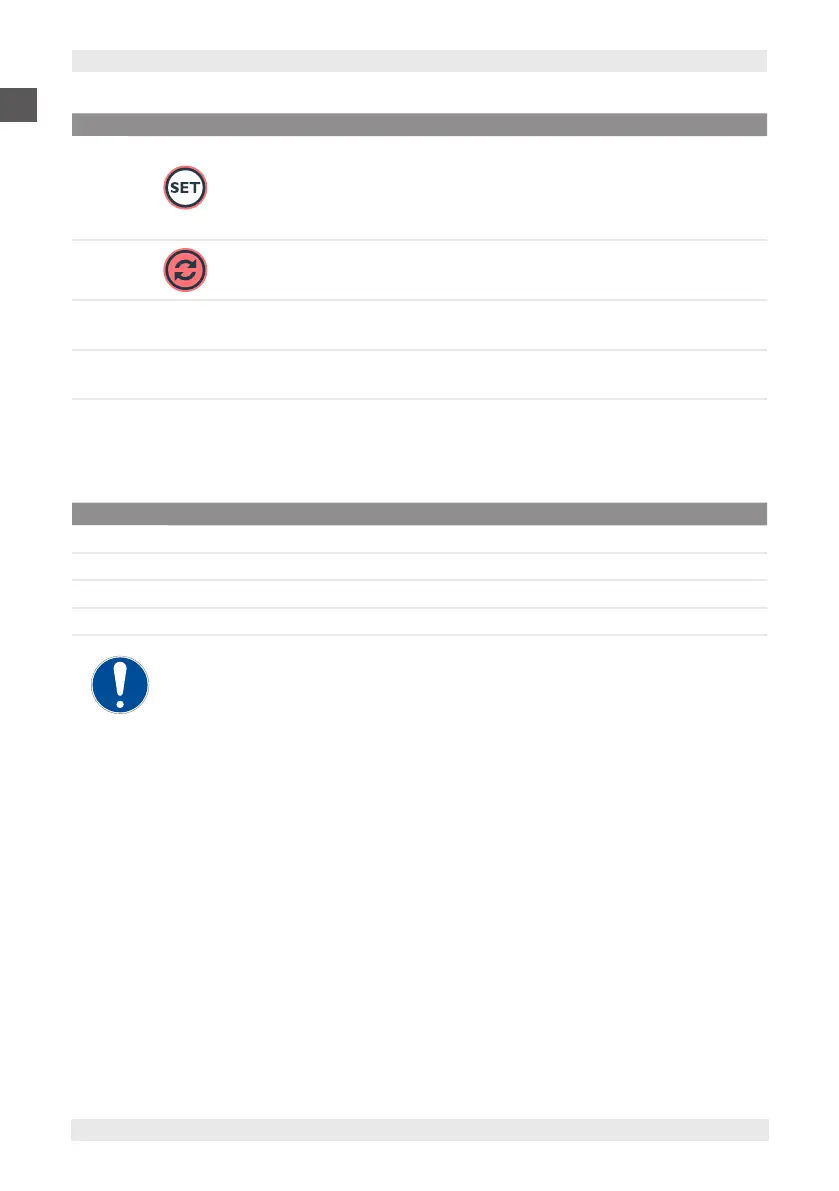
POS. ICON ELEMENT DESCRIPTION
5
Time from start of
cycle/ Function and
cycle selector
Press and release
Blasting cycle selection (+3°C or -18°C).
Press for at least 4 sec
The panel goes into Stand-by mode.
6 Start / Stop / Freezing
Press and release
Selected cycle start/stop.
7 -
Freezing operation
LED
▪ Steady on: compressor active.
▪ Flashing: delay, protection or activation blocked.
8 -
Operation warning
light
▪ Steady on: compressor active.
▪ Flashing: delay, protection or activation blocked.
7.1.1. ALARMS
The alarms present are those related to the probes. They are only shown when the relative probe display is required.
CODE ALARM DESCRIPTION
Er Generic or internal probe error.
Er1 Chamber probe error.
Er2 Core probe error.
Er3 Condenser probe error.
If blasting is in progress and a core probe error (Er2) occurs, the cycle switches to time
while the error remains displayed.


 To Next Page