USE AND MAINTENANCE MANUAL
ATTILA
43
EN
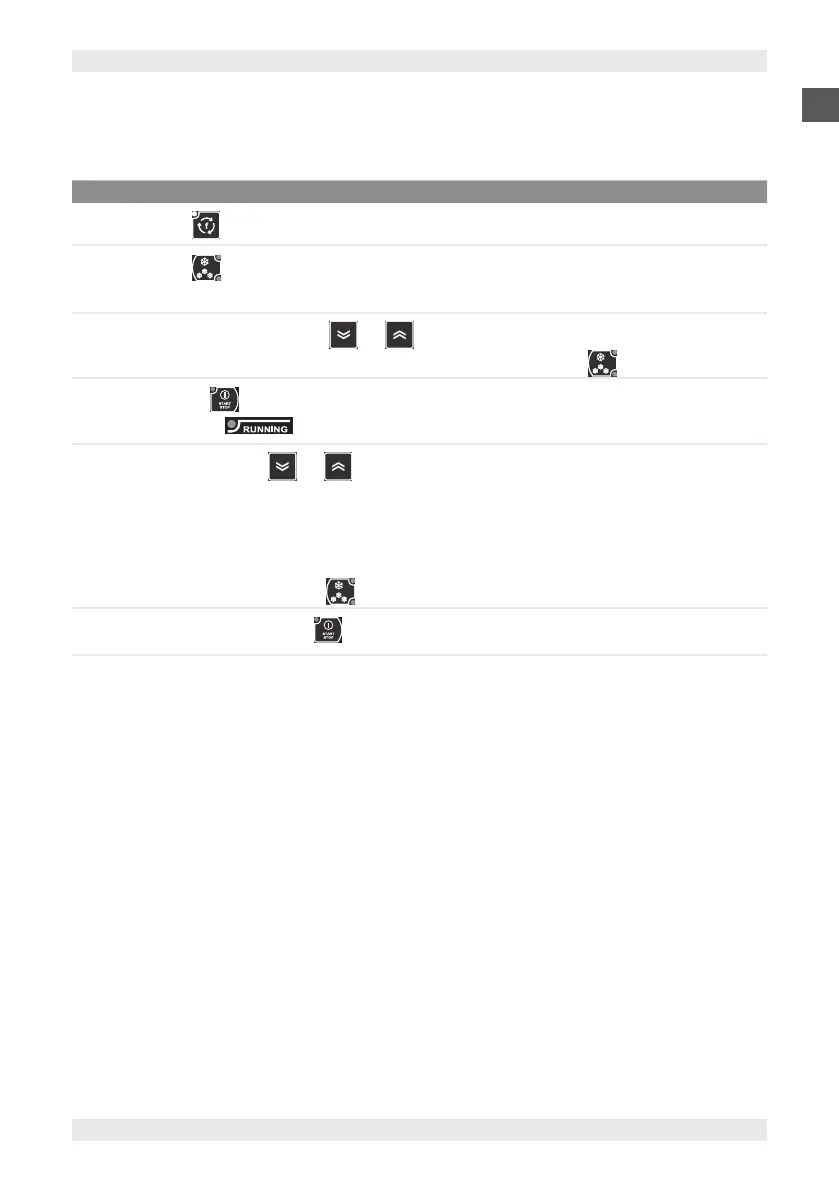
8.5.5. MANUAL STORAGE CYCLE
To perform the manual storage cycle:
STEP ACTION
1
Press the button and select the manual storage function (Parameter Con).
2
Press the button and select positive (+3°C) or negative (-18°C) storage mode.
Note: The unit of measurement (°C or °F) is shown in the icon at the side of the display.
3
Within 3 seconds, use the buttons and to change the temperature.
Note: To reset the temperature of the storage cycle to the default value, press the button three times.
4
Press button to start the cycle.
Note: The LED lights up. The cell temperature is shown on the display.
5
During the cycle, press and to display:
▪ Core probe temperature
▪ Elapsed time
▪ Time remaining
▪ Cell temperature.
Note: During the cycle, press the button to display the chamber temperature setpoint.
6
To interrupt the cycle, press the button.
If the conditions are not met, the relevant LED will flash 3 times, indicating that the operation will not be carried out.


 To Next Page