USE AND MAINTENANCE MANUAL
ATTILA
47
EN
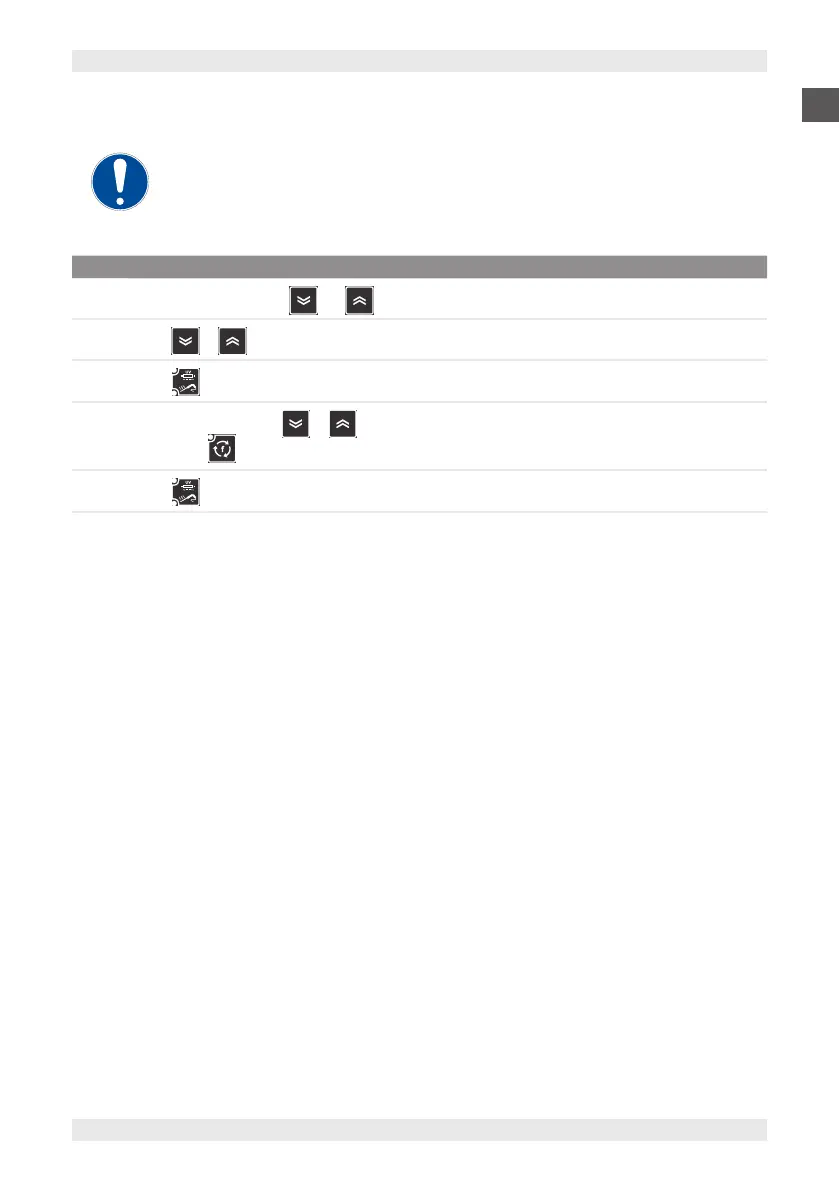
8.5.12. PASSWORD ENTRY FOR ADVANCED PARAMETERS
Access to advanced parameters is restricted to qualied personnel only.
For access to advanced parameters:
STEP ACTION
1
Press and hold the buttons and simultaneously to access the parameter list.
2
Press or and select parameter PA2.
3
Press .
4
Within 10 seconds, press or to change the value of parameter PA2.
Note: press to cancel the change and return to the previous display.
5
Press or wait 10 seconds to confirm password entry.


 To Next Page