100
➢ To connect the TBE device with the tablet via Wi-Fi direct mode
1. On the TBE device, tap Settings > Network connection. Connect to Wi-Fi first
and swipe the Wi-Fi direct toggle to turn the Wi-Fi direct mode on.
2. On the tablet, tap Settings > TBE Manager to access the TBE Manager screen.
3. Tap Scan at the upper-right corner of the tablet’s screen. The tablet will
automatically search for available TBE devices.
4. The name of the device will appear. Select the device for connection. Tap the
device name to establish a communication link.
5. A message showing “Connect Successfully” displays after the connection is
established.
6. To disconnect the device, tap the connected device listing again.
7. Tap on the top-left to return to the Settings Menu.
NOTE
To ensure quick connection, please perform this operation when the MaxiTPMS tablet is
connected to a steady network.
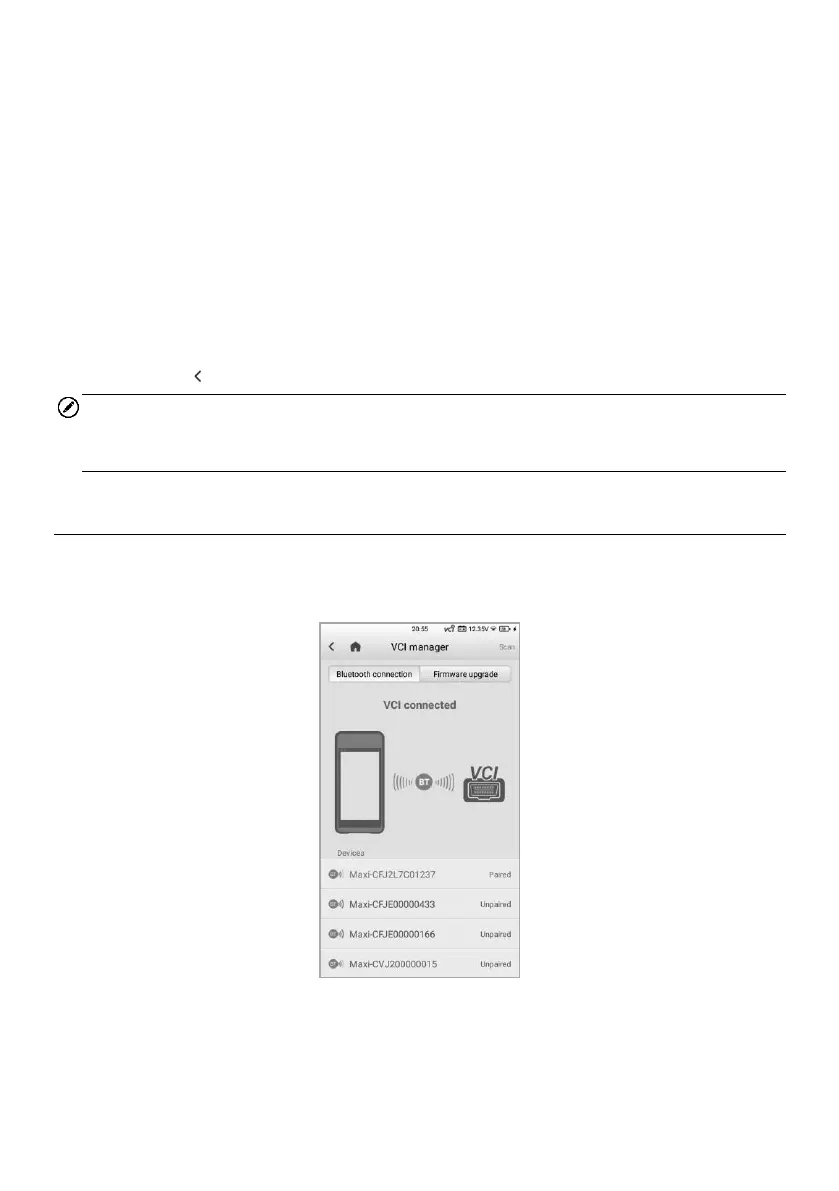
11.4 VCI Manager
This option pairs the tablet with the MaxiVCI V200. Checks the communication status
and updates the VCI firmware.
Figure 11-1 VCI Manager Screen















 To Next Page