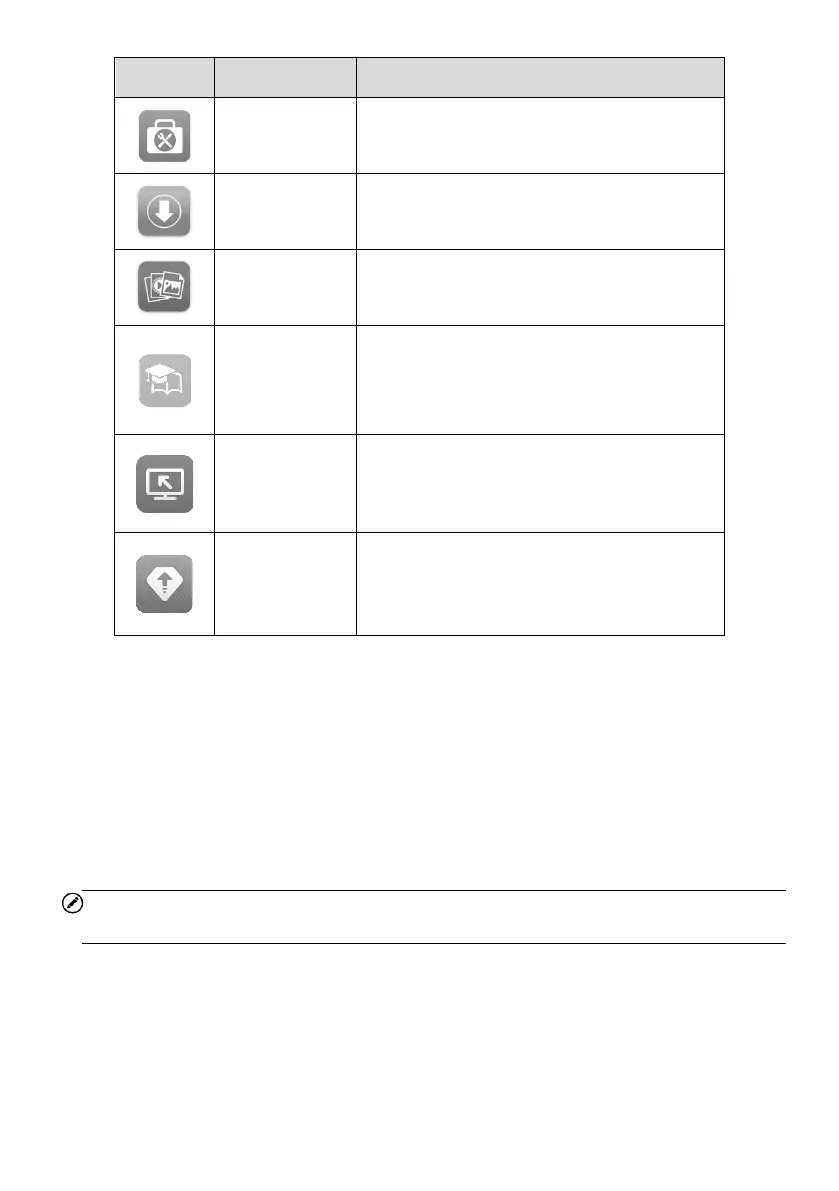
Accesses auxiliary functions menu for
TPMS service. See ToolKit for details.
Accesses system software update menu.
See Update for details.
Accesses the organization system for saved
data files. See Data Manager for details.
Accesses technical tutorials and training
articles about the device or vehicle
diagnostic techniques. See Academy for
details.
Configures your unit to receive remote
support using the TeamViewer application.
See Remote Desktop for details.
Accesses all system diagnostics and
service function. See Activate Pro Function
for details.
3.1.3 Locator
The locator icon displays at the bottom of the MaxiTPMS Job Menu. Swipe the screen
left or right to view the previous or next screen.
3.1.4 System Status Icons
Slide downward the screen to display Shortcuts Panel and have access to a variety of
features. The table below shows each icon and its corresponding feature.
NOTE
The shortcuts buttons will be highlighted when enabled, and dimmed when disabled.















 To Next Page