76
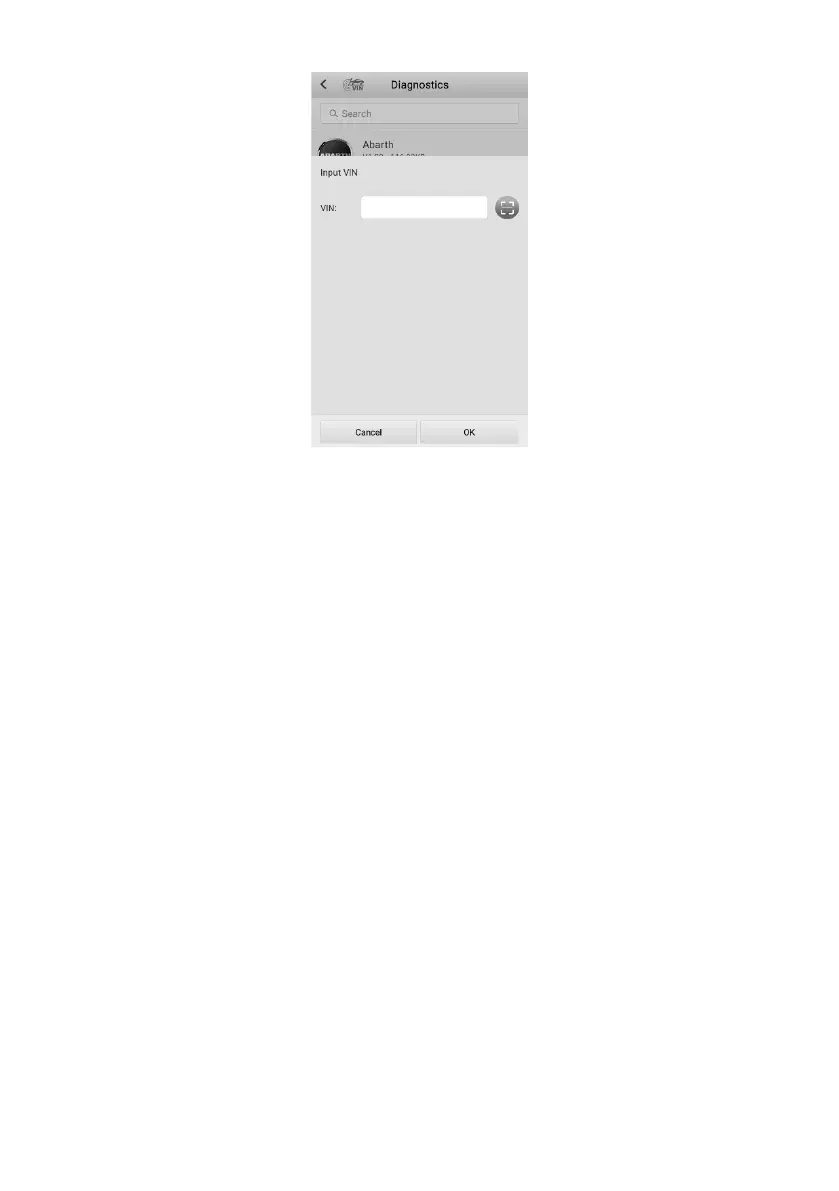
Figure 8-6 Manual VIN Input
5. Tap OK. Once the vehicle is identified, the Vehicle Diagnostics screen displays.
6. Tap Cancel to exit Input VIN.
8.2.3 Automatic Selection
The Auto Selection can be selected after selecting the test vehicle manufacturer.
➢ To perform Automatic Selection
1. Tap the Diagnostics application button on the MaxiTPMS Job Menu. The
Vehicle Menu displays.
2. Tap the manufacturer menu of the test vehicle and then select Automatic
Selection.
3. Once the vehicle information is confirmed, the VIN information is automatically
acquired. Follow the on-screen instructions to display the Vehicle Diagnostics
screen.















 To Next Page