58
IMPORTANT
1. Before using the diagnostic functions, download the desired vehicle software on the
Update application.
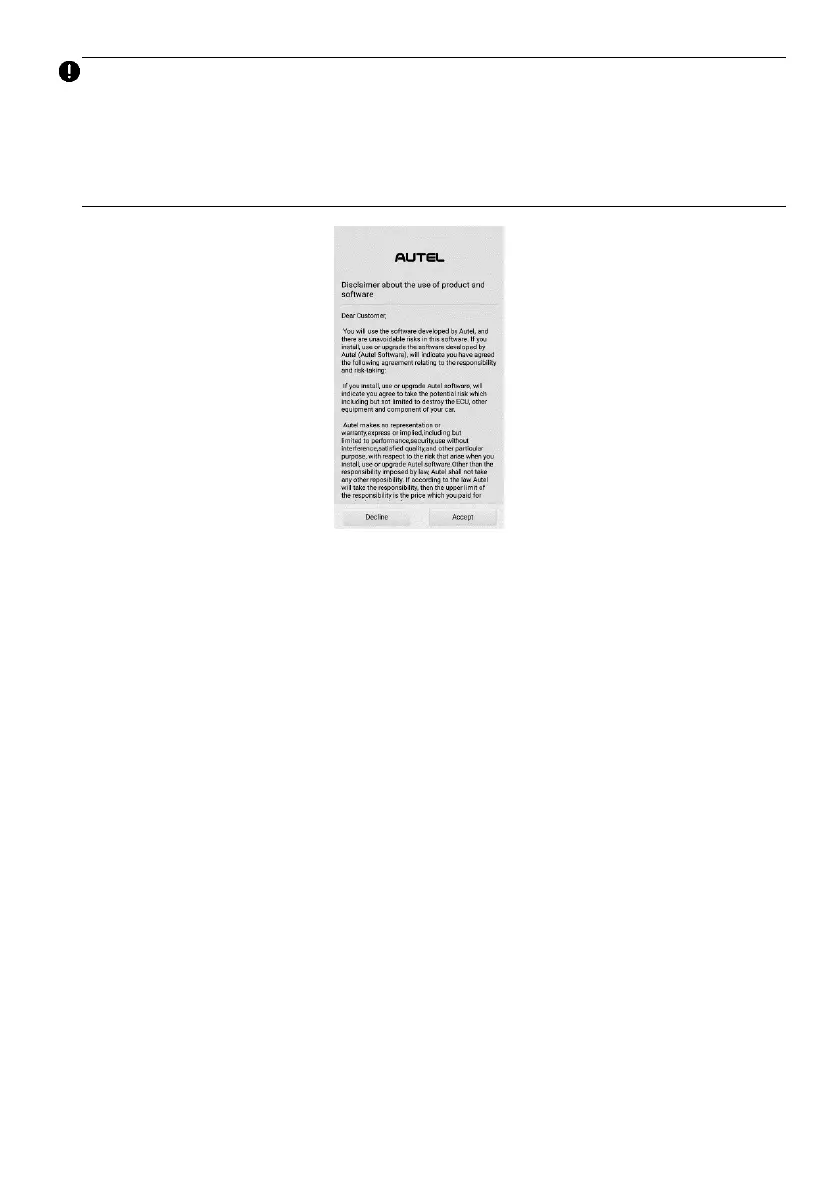
2. A Disclaimer page will appear when accessing any function on the Battery Test
screen for the first time. Please read the end user agreement and tap Accept to
continue. If you tap Decline, you will not be able to use the features properly.
Figure 6-3 Disclaimer Screen
6.3.1 Battery Test
➢ To perform the in-vehicle battery test
1. Tap the Battery Test application button on the MaxiTPMS Job Menu. The
Battery Test screen displays.
2. Select In-vehicle Test.















 To Next Page