45
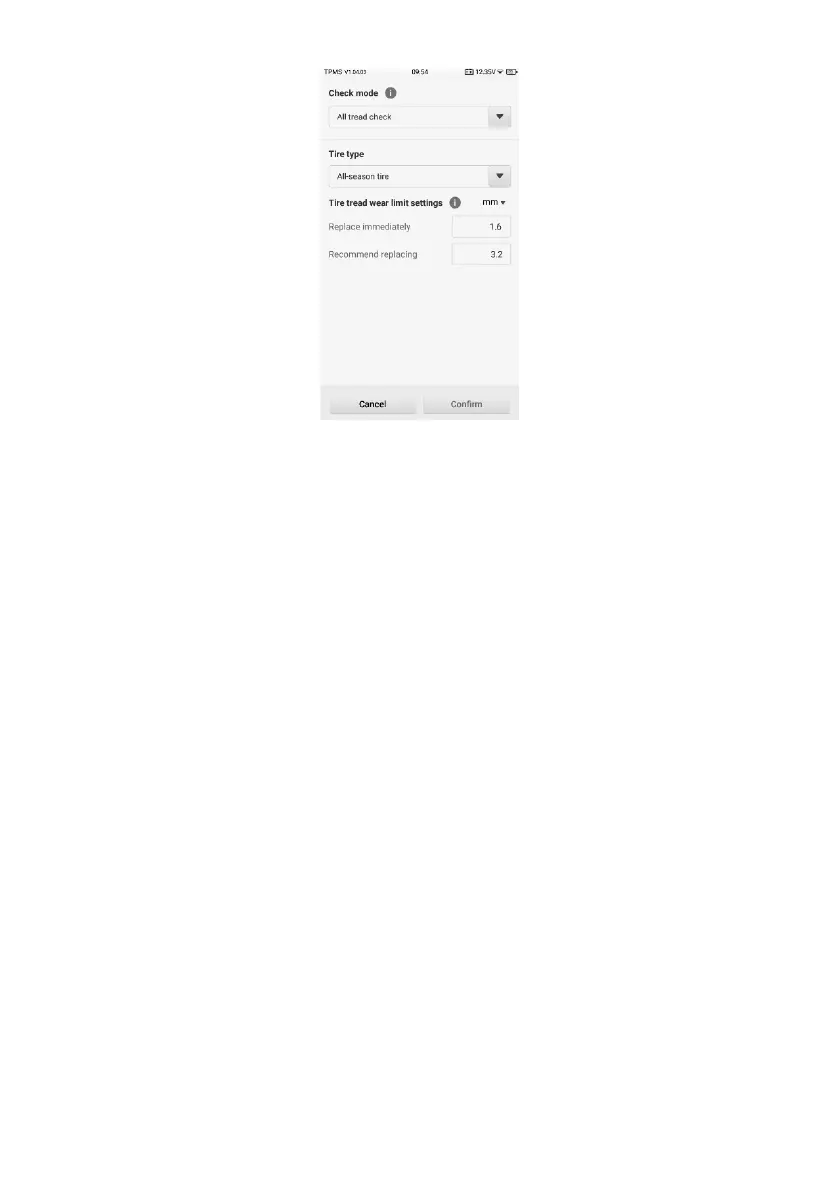
Figure 4-30 Check Settings Screen
4.9.1.2 Main Section
The main section in the center of the screen displays the TBE icon as well as the vehicle
model tested graphically.
4.9.1.3 Note Section
The note section provides instructions on how to perform the wear detection function by
using a compatible TBE device or a third-party tool.
4.9.2 Check Mode
There are four check modes provided. Below are the detailed descriptions.
4.9.2.1 All Tread Check
The all tread check function assists to examine your tire wear in three separate areas:
outer, center, and inner for a comprehensive analysis.
4.9.2.2 Single Check
The single check function allows for measuring tread depth on each tire of the test vehicle.
Unlike all tread check, single check only measures one location on each tire for results.
4.9.2.3 Quick Check
The function combines measuring tread depth together with brake disc wear to make it















 To Next Page