42
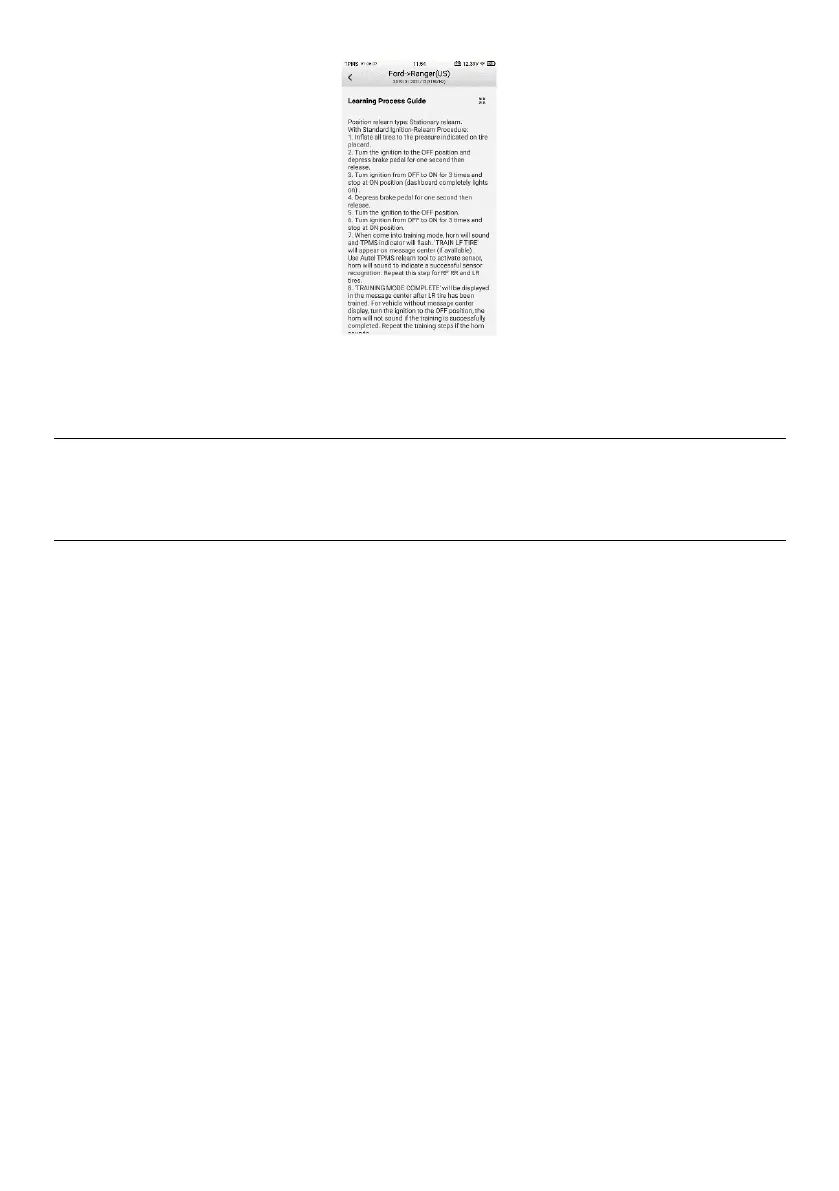
Figure 4-27 Stationary Relearn Screen 2
4.8 Retrofit
Refer to TPMS Retrofit for details.
4.9 Wear Detection
The wear detection is for detecting wear status of tire tread and/or brake disc, which
contains four types of checks, including All Tread Check, Single Check, Quick Check,
and Brake Disc Check operations, and allows for adding tire tread depth & brake disc
wear measurement data into TPMS test report for comprehensive analysis.
The wear detection function is designed to be performed by using the TBE200 device
(hereafter referred to as TBE device). Once paired, you can initiate check sessions
through the TBE device, which will take full control to perform measurements with the
data detected automatically transferred to the paired tablet.
There are two ways of switching to a different check mode via the TBE device:
A. All Tread Check/Single Check — on the TBE device, tap the Tire Tread icon on the
Main Job screen, a prompt will display, notifying the current check mode. Tap Cancel
to stay in the current mode, or tap Switch to perform the other check mode. You can
also switch between All tread check and Single check in the Check Settings.
B. Quick Check/Brake Disc Check — on the TBE device, simply tap the Quick Check
or Brake Disc icon on the Main Job screen to execute the checking procedure.















 To Next Page