72
8 Diagnostics
The Diagnostics application, via the MaxiVCI V200, can access the electronic control
module (ECM) for various vehicle control systems, such as engine, transmission, antilock
brake system (ABS), airbag system (SRS), view live data parameters. The all-system
diagnostics function is available with update purchase. See Activate Pro Function for
details.
8.1 Getting Started
Ensure a communication link is established between the test vehicle and the tablet via
the MaxiVCI V200. Refer to Establishing Vehicle Communication for details.
8.1.1 Vehicle Menu Layout
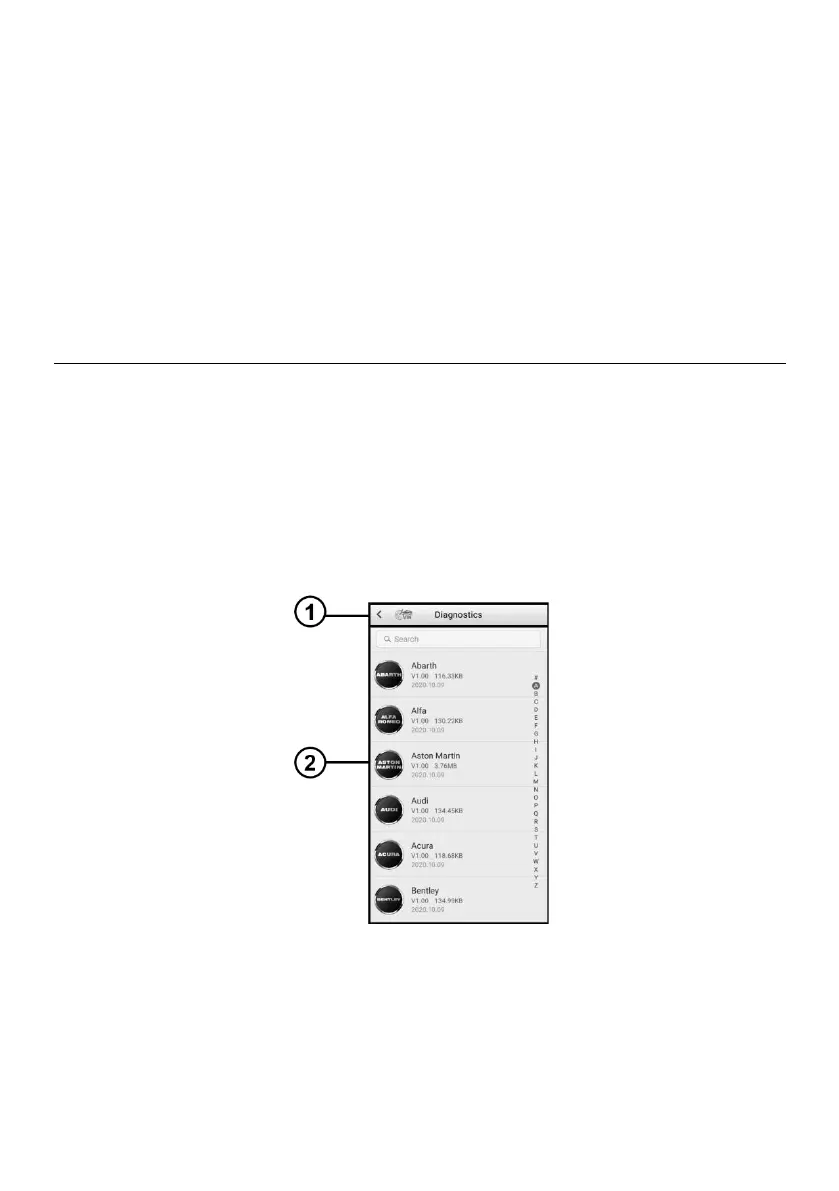
When the tablet is properly connected to the vehicle, the platform is ready to start vehicle
diagnosis. Tap on the Diagnostics application button on the MaxiTPMS Job Menu to
access the Vehicle Menu.
Figure 8-1 Vehicle Menu Screen















 To Next Page